1.3.27
STATION ESTABLISHMENT CHAPTER 3
GEODIMETER SYSTEM 600
PRG
20
From previous page
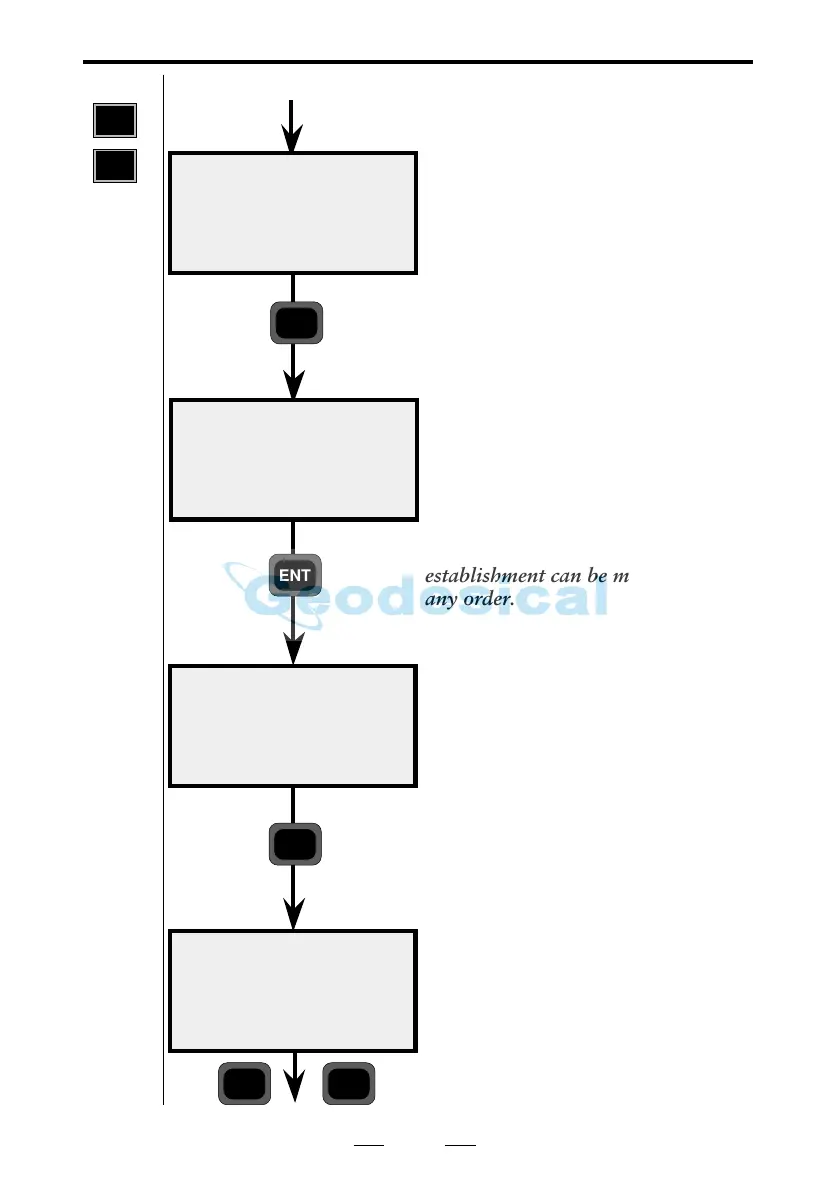
Are you going to use more points for
your station establishment, or are you
satisfied with only one? In our
example we will measure and register
two more points (maximum number
= 10). Press YES.
Enter the next Pno to be used for
your known station (the display here
shows the most recently used Pno).
Then press ENT.
Note!
The points selected for your station
establishment can be measured in
any order.
Are your coordinates correct? Press
YES or NO. If they have to be
changed, use Edit or P43 (Enter
Coordinates). In this case, we’ll
answer YES.
Enter the signal height (SH). In this
case 1 and press ENT.
10:19
more?
10:19
Pno = xxxx
Ref ok?
N=xxxx.xxx
E=xxxx.xxx
ELE=xxx.xxx
10:20
SH=0.000
YES
ENT
YES
1
Note ! ☛
Only
shown if
your
coordinates
include
ELE.
ENT
Note ! ☛
Known stn+



 To Next Page