1.1.16
INTRODUCTION CHAPTER 1
GEODIMETER SYSTEM 600
Menu key
Despite sophisticated built-in technology, operation is very
simple, since everything is controlled from the keyboard and
the self-instructing display.
Many functions are controlled from the MNU-system that is
presented on the display. The menu makes it easy to follow
and alter, if required, measurement units, display tables,
coordinates, correction factors etc.
The main menu configuration can be seen in Appendix B.
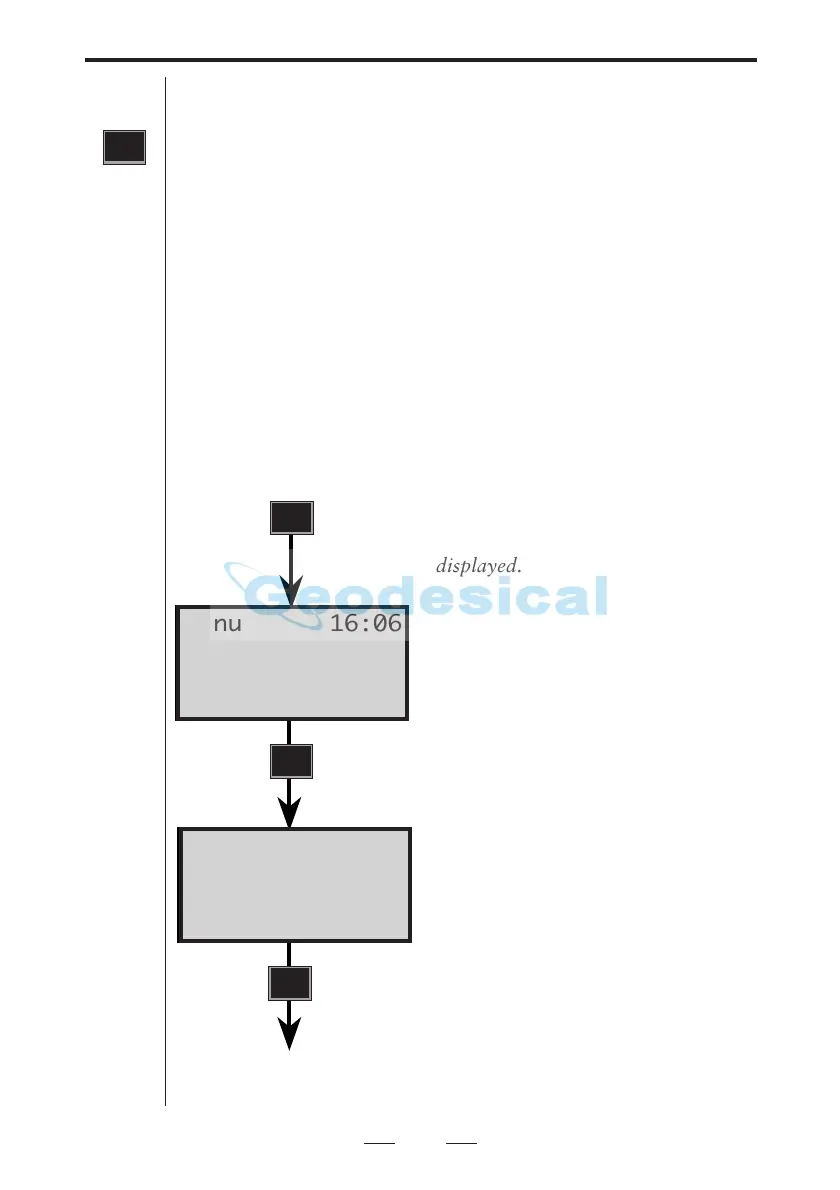
How to store the factor for atmospheric correction (PPM).
Example:
Turn on the instrument, press the
MNU key, the following will be
displayed.
Select SET by pressing 1 and the
display shows.......
Select PPM by pressing 1 and the
display shows....
MNU
MNU
1
1
See next page
Menu 16:06
1 PPM
2 Preset
3 Instr Setting
Menu 16:06
1 Set
2 Editor
3 Coord



 To Next Page