1.1.19
INTRODUCTION CHAPTER 1
GEODIMETER SYSTEM 600
Choose program
There are two ways to choose a program:
1. Short press
With a short press on the program key you get the following
display:
Key in the desired program. In this
example we key in 20, Station
establishment, and press enter.
2. Long press
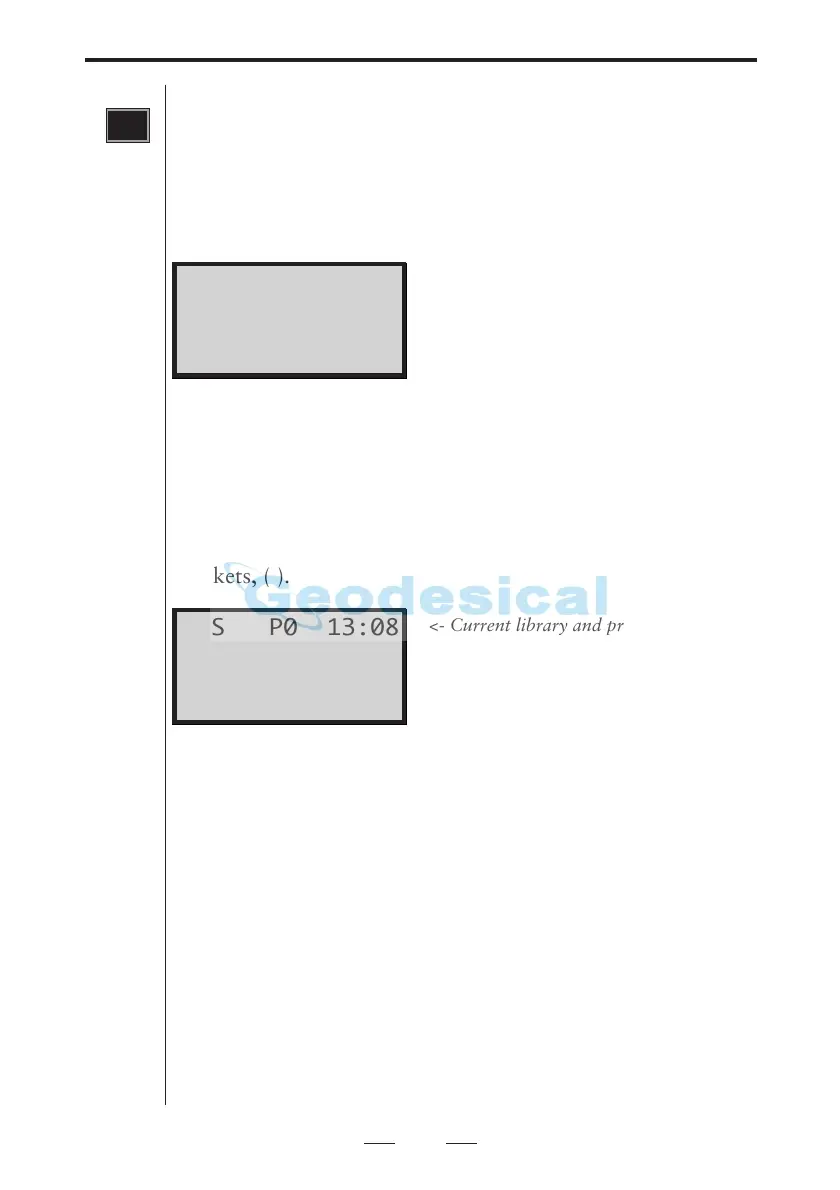
With a long press on the program key you step to the pro-
gram menu. Here you can display all the available programs
for Geodimeter System 600. Any optional program that is
not installed in your instrument is surrounded by two
brackets, ( ).
Key functions:
Dir
Step between the UDS-, the PRG- and the
OPTIONS-library
<-- -->
Step backwards/forward in the chosen library
Exit/MNU
Exit without starting any program
ENT
Start the chosen program
Configuration menu
By choosing a program with a long press, you will also have
the chance to configure the chosen program in most cases.
See more about how to configure programs in the "Software
and Data communication" manual.
<- Current library and program number
<- Instrument model and program ver.
<- Current program name
<- Key functions
PRG
UDS P0 13:08
640 632-05.00
Program 0
Dir <- -> Exit
STD P0 13:08
Program=20



 To Next Page