1.1.24
INTRODUCTION CHAPTER 1
GEODIMETER SYSTEM 600
Shift key (alphanumeric control unit)
Shift Key. For entering a numeric value when the keyboard is
set in the alpha mode, or vice versa and to answer NO to
questions shown in the display. When the shift key is activa-
ted, this is indicated by a ^, sign in the right-hand corner of
the display.
Activated when selecting the alpha mode.
Space bar key (alphanumeric control unit)
When measuring in two faces, this key is used for switching
between C1 and C2.
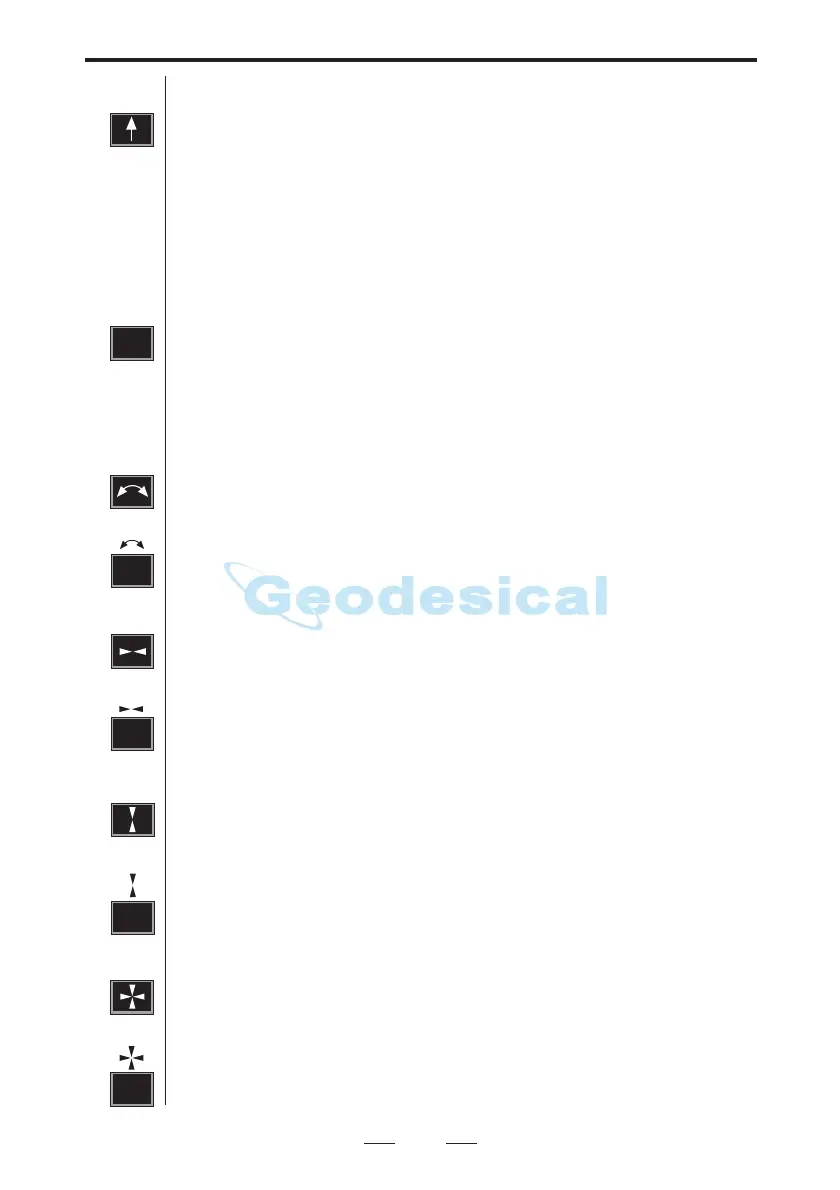
Key for horizontal positioning. A short press of this key
results in a horizontal positioning to the set HA Ref value.
A long press of this key results in a 180°/200 Gon horizontal
rotation from the instrument's current direction.
Key for vertical positioning.
Note - when setting out
• If you press this key without measured distance ELE=the height at the
theoretical set out point.
• If you press this key with measured distance ELE=the height at the
measured set out point.
• If you press this key longer than 1 sec. with measured distance ELE=the
height at the theoretical set out point.
Key for both horizontal and vertical positioning.
Servo Control keys (numeric and alphanumeric control units)
0
SPC
7
8
6
or
9
or
or
or



 To Next Page