Getting Started 1-3
Using the Tether (Optional)
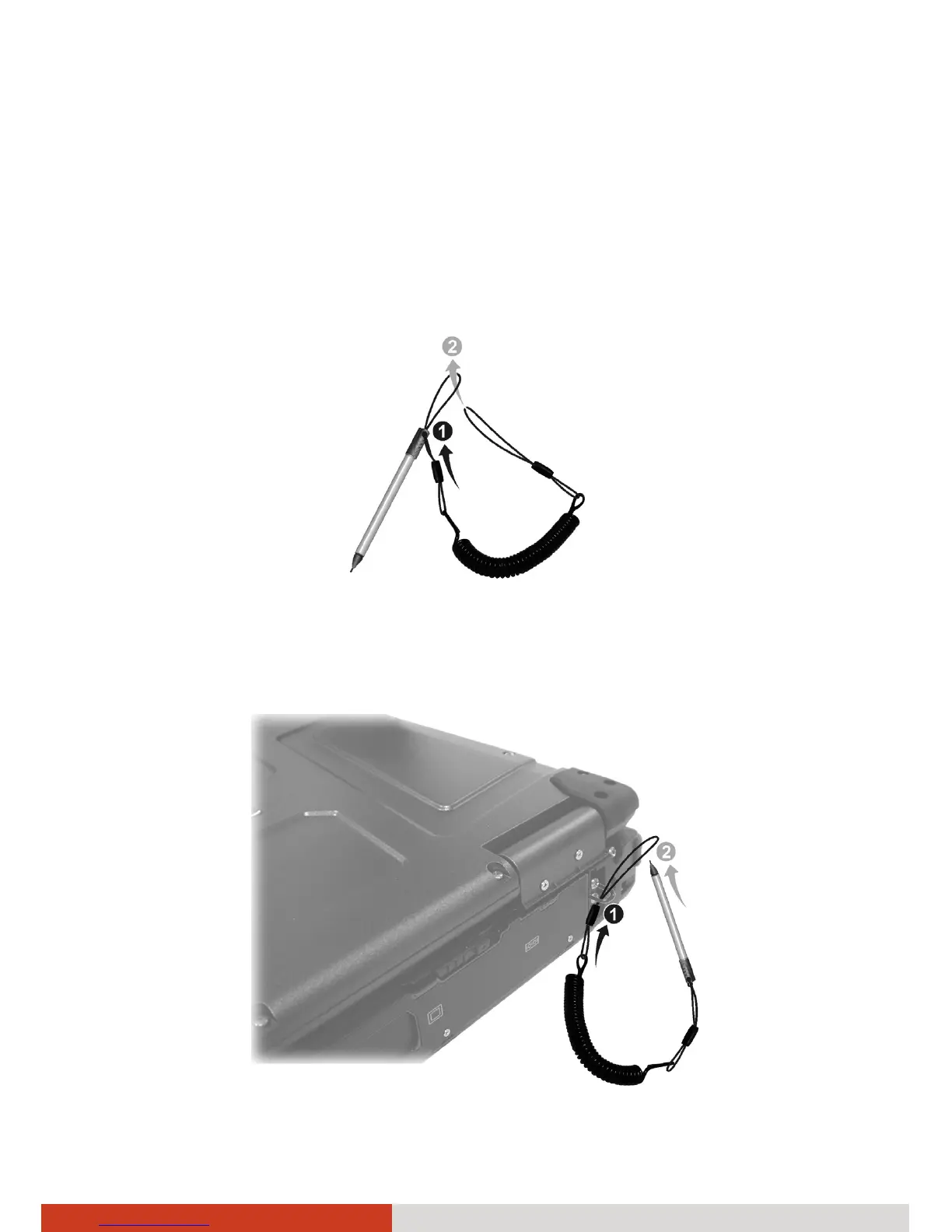
A tether is provided for attaching the stylus to your computer.
1. Insert one of the tether’s loop ends through the hole of the stylus (as
indicated by n below). Then, insert the other end through the first loop
(as indicated by o below) and pull it tight.
2. Insert the other loop end to the hook on the computer (as indicated by
n below). Then, insert the stylus end through the loop (as indicated by
o below) and pull it tight.



 To Next Page