Using the TPM and P1 Utility 6-3
P1 Quick Button Definition Utility
The P1 button has a pre-assigned function. You can re-define the button
following this procedure:
1. Run BIOS Setup program to select
Quick Btn
for the P1 Function item
under the Advanced menu. (See “Advanced Menu” in Chapter 5.) Save
and exit the program.
2. Right-click the Ge
tac utility icon (
) on the Windows taskbar and select
Quick Buttons Definition.
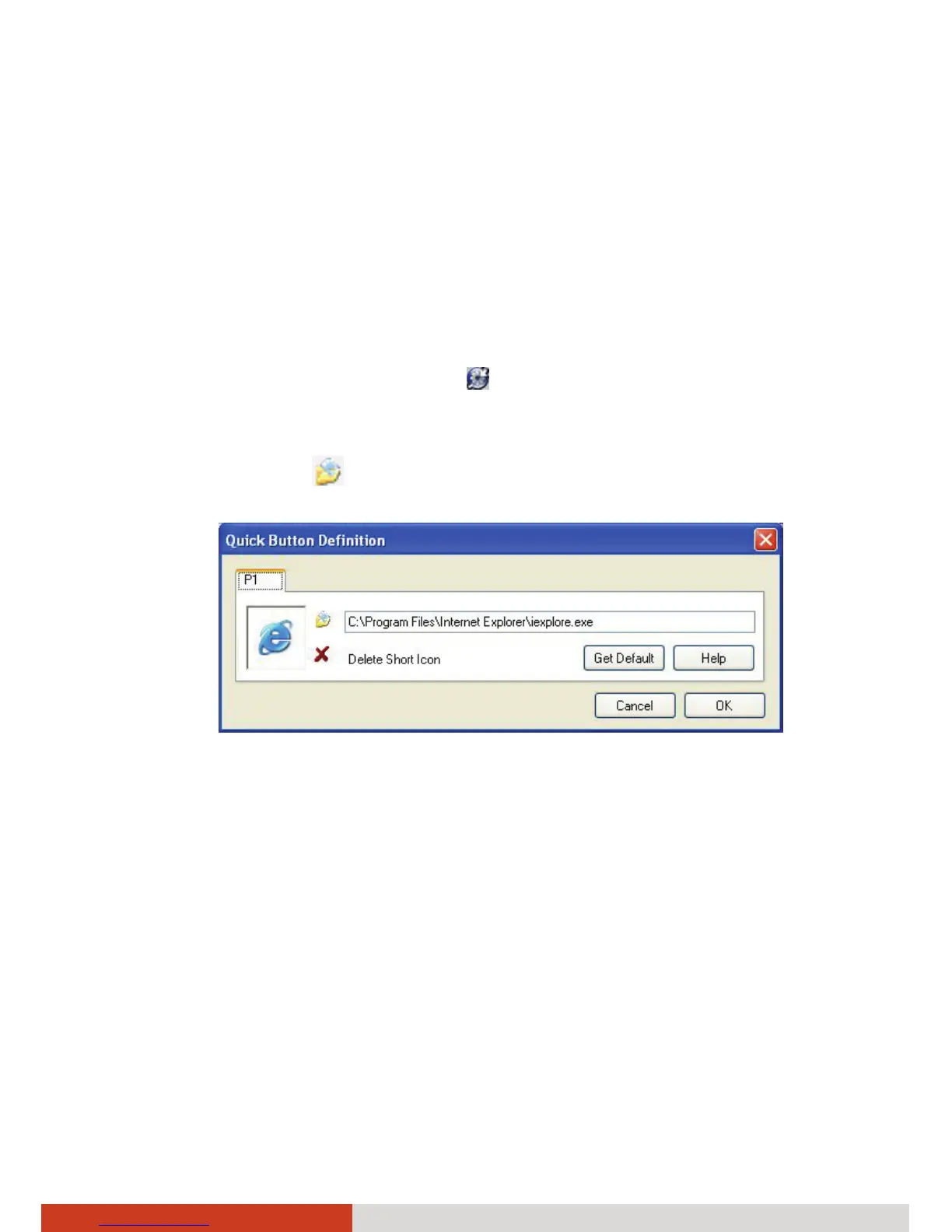
3. The following window appears. To assign a program to a button, click
the Open button
.
4. In the Open dialog box, browse to the destination folder and select the
desired program file. Then, click Open to complete.



 To Next Page