2-16
Operating Your Computer
Using the Hard Disk Drive
Your computer comes with a removable 2.5-inch PATA (parallel ATA) / SATA
(serial ATA) hard disk drive.
Select models come with a heater that automatically turns on for low
temperature operation.
Installing a Second Hard Disk Drive
(Optional)
You can install a second hard disk drive to your computer.
1. Make sure that system power is off.
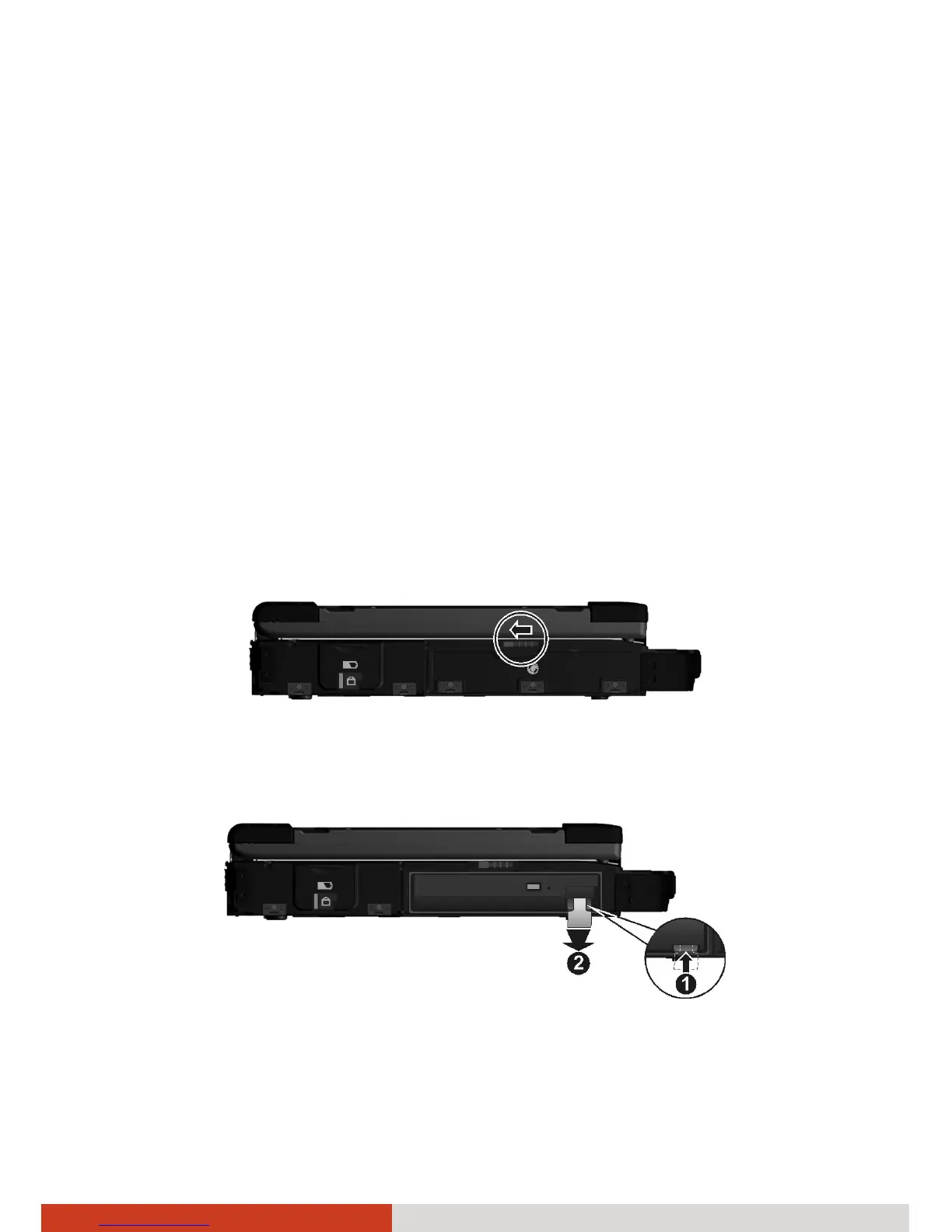
2. Open the media bay cover by sliding the release latch towards the left.
3. Press upward the release latch (n) and pull the ribbon strip (o) to slide
the existing device out of the bay.



 To Next Page