Operating Your Computer 2-21
Using the Network Features
Using the Modem
The internal 56 K fax/data modem allows you to use the telephone line to
communicate with others by fax, email, or connect to an online service or
bulletin board.
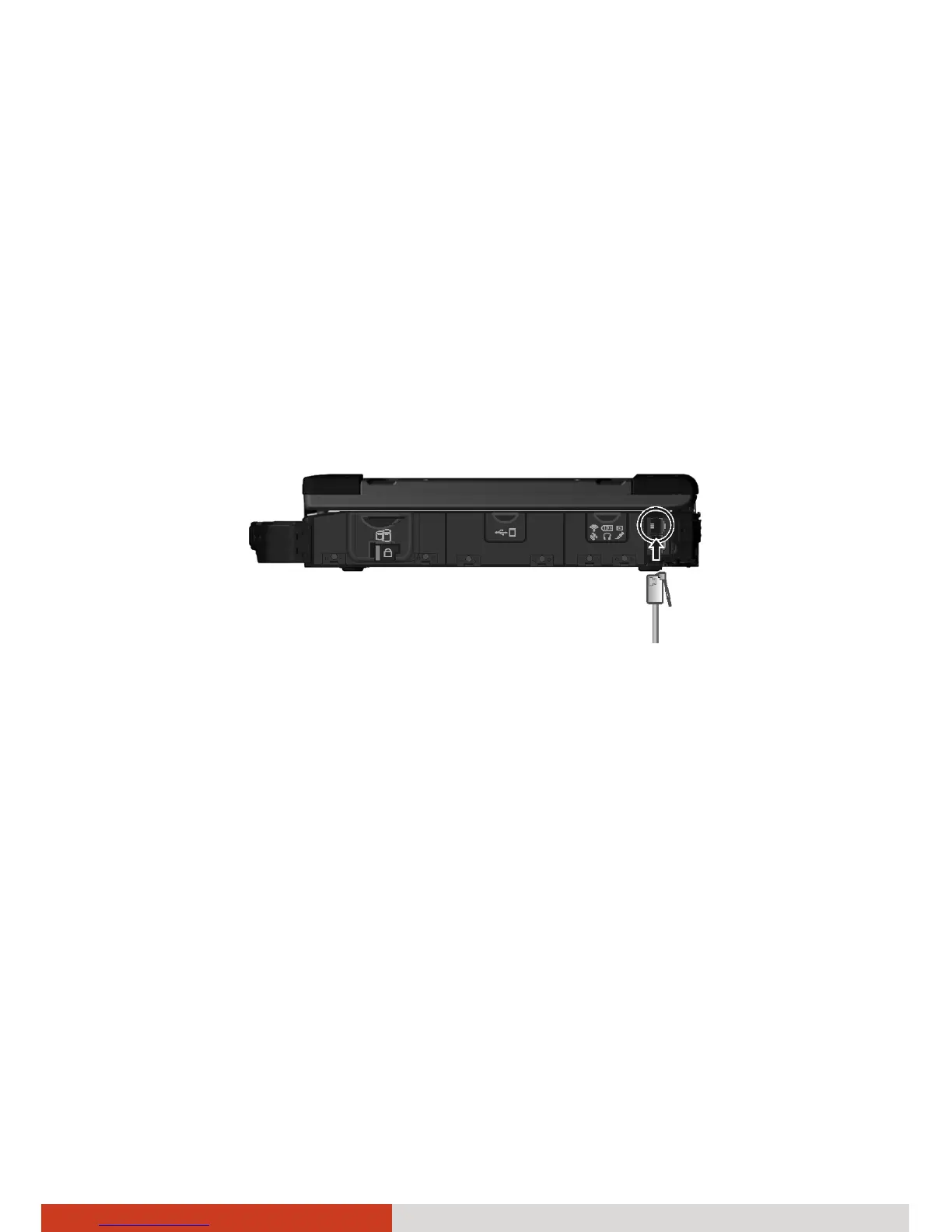
To connect the telephone line to the modem, connect one end of the
modem cable to the RJ-11 connector on the computer and the other end to
the phone line.
NOTE:
z When using the communication software, you may have to disable
power management.
z Set the COM port of the modem to COM3.
z Set parameters such as modem speed (baud rate) and line type (pulse
dialing or tone dialing).
z Do not enter the Sleep mode when using the communication software.



 To Next Page