4-14
Expanding Your Computer
Using the MMC/SD Card Reader
NOTE:
z If your hard disk is divided into several drives, make sure that all drives
have been formatted before using the Card Reader. Otherwise, you may
encounter problems when using the Card Reader.
z You can use only storage cards. Your Card Reader does not support
cards with I/O (input/output) functions such as a wireless network card
or Bluetooth card.
Your computer has a Card Reader. The Card Reader is a small drive for
reading from and writing to removable storage cards (or called memory
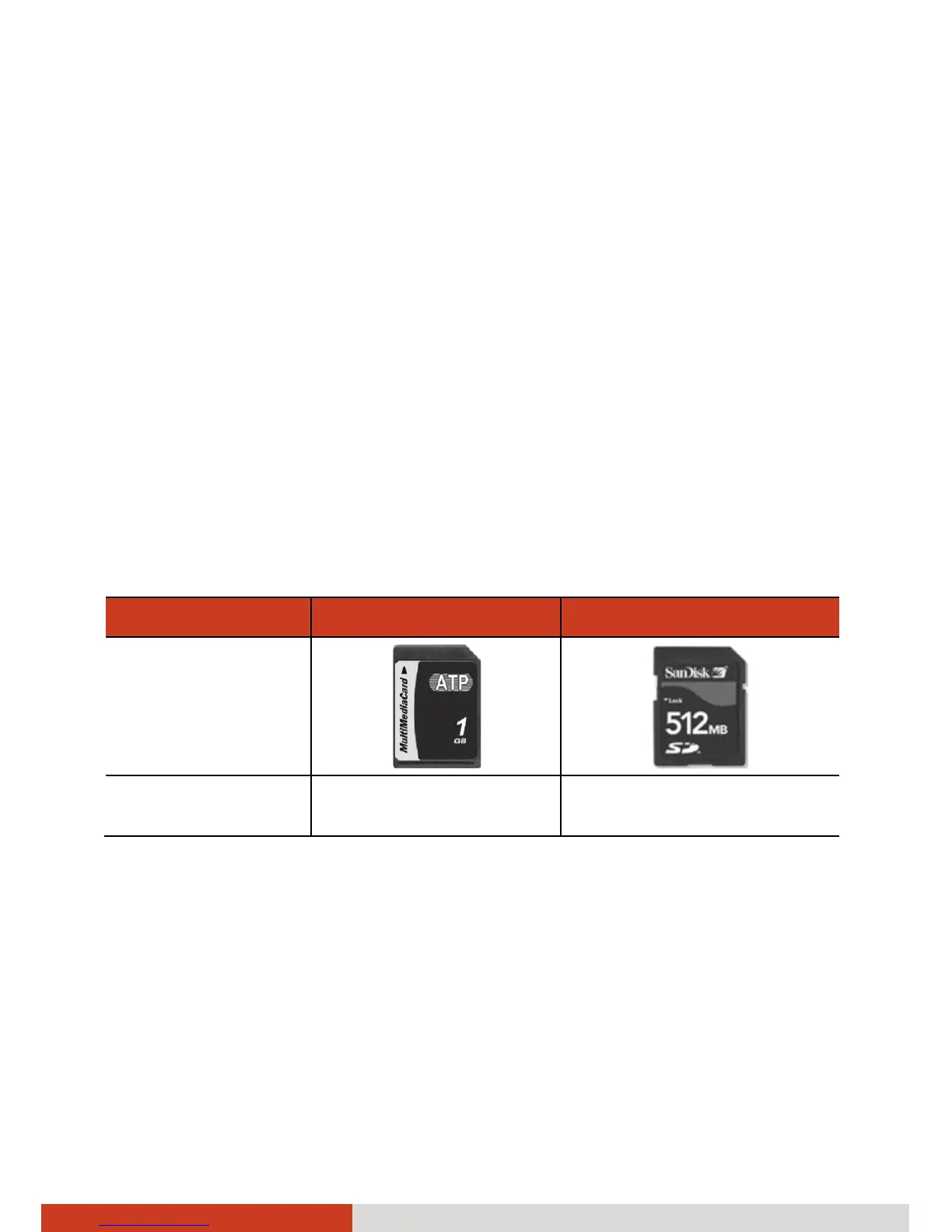
cards). The Card Reader supports the MultiMediaCard (MMC) and Secure
Digital (SD) cards.
Shown next are the appearance and size of each card type for your
reference.
Type MMC Card SD Card
Appearance
Size 24×32×1.4
(mm)
24×32×2.1
(mm)



 To Next Page