2-34
Operating Your Computer
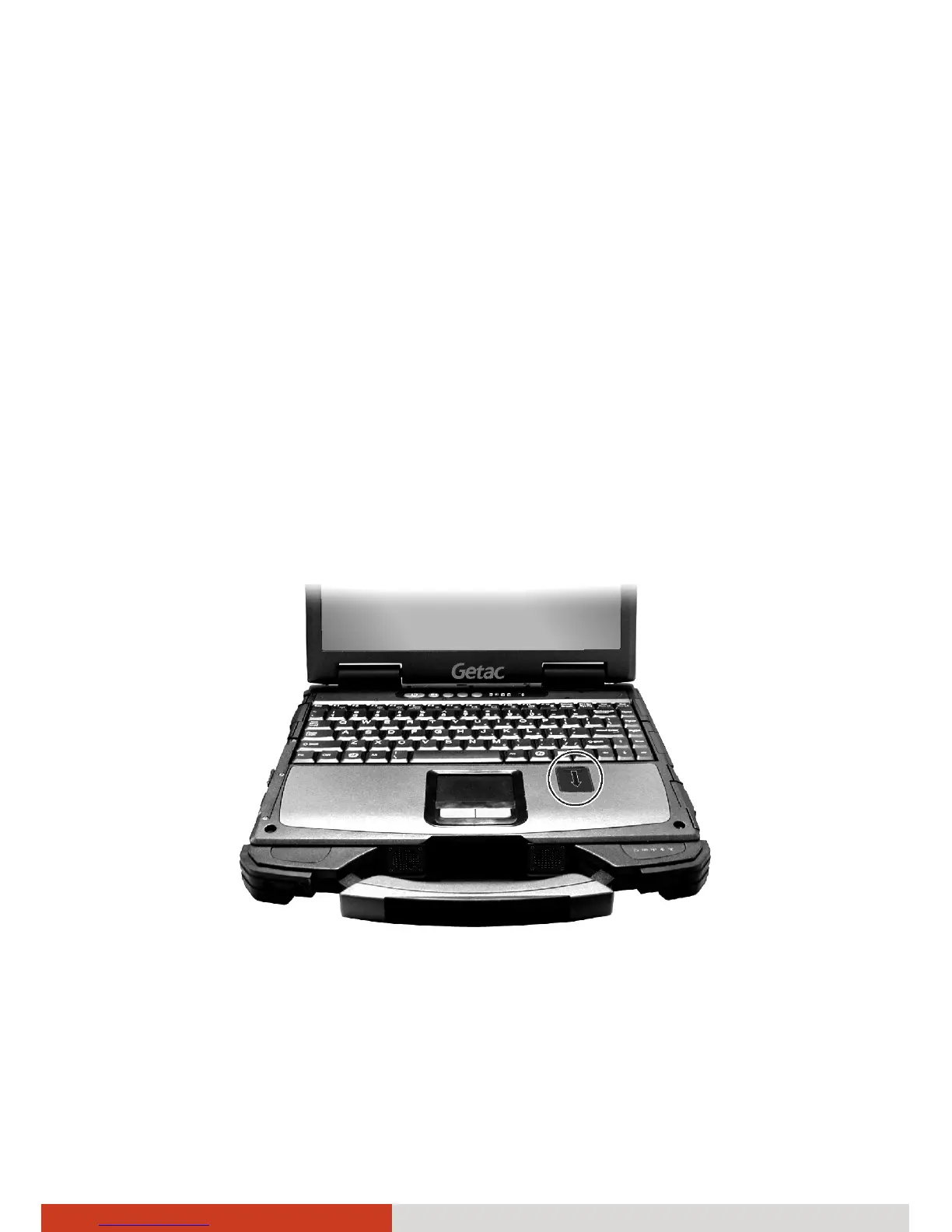
Using the Fingerprint Sensor
The fingerprint sensor provides a strong authentication mechanism based on
fingerprint recognition.
WARNING:
z To protect the fingerprint sensor, be sure to slide close the cover when
not using the fingerprint reader.
z We shall not be liable for any loss or damage whatsoever resulting from
your use of the fingerprint sensor or neglect of fingerprint sensor use,
or any data loss resulting from such developments as fingerprint
authentication malfunctioning.
To set up the fingerprint sensor:
1. Locate and slide open the fingerprint sensor cover.
NOTE: You can enroll fingerprints only after setting a password for the
Windows user account.
2. Go to Start menu Æ Programs Æ Protector Suite 2009.



 To Next Page