4-8
Expanding Your Computer
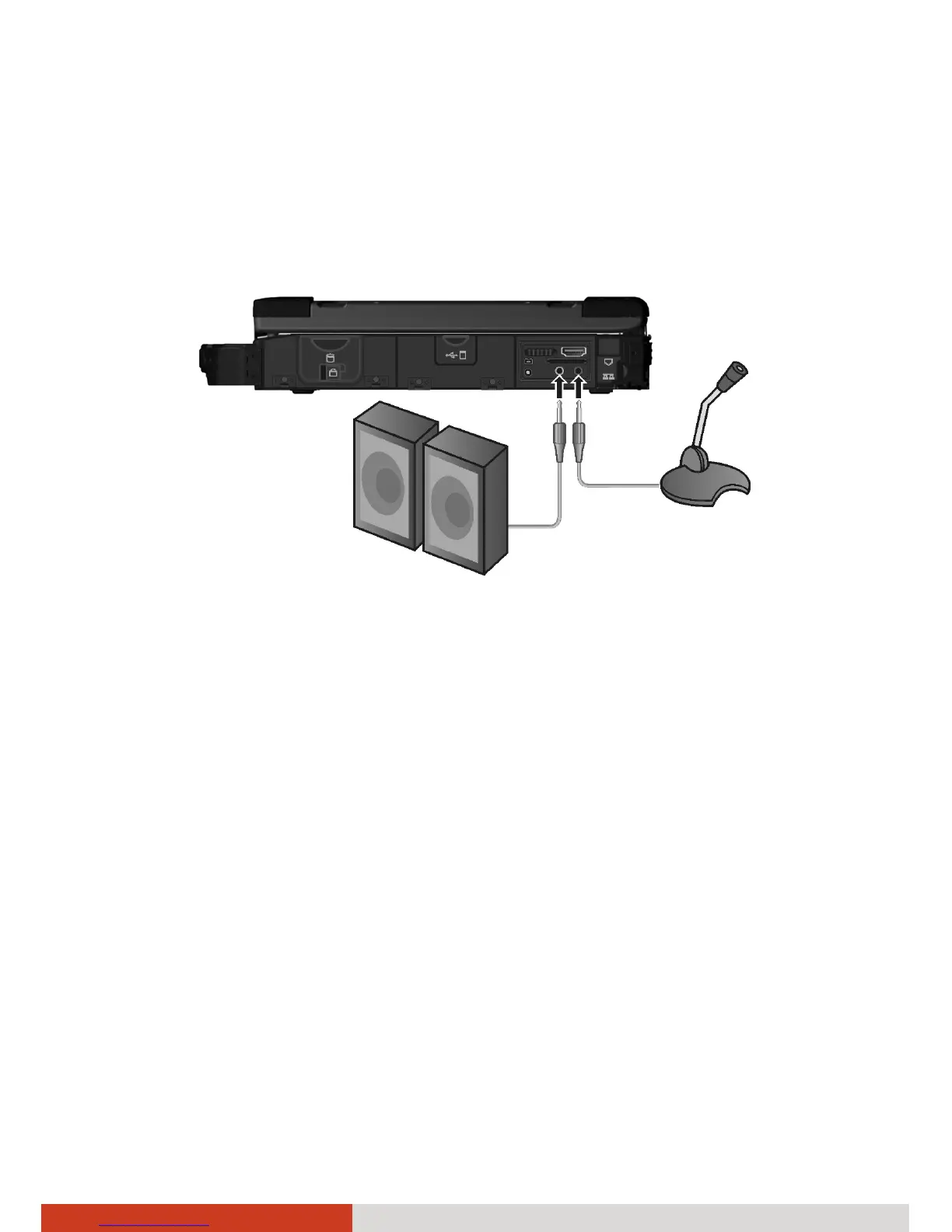
Connecting Audio Devices
For higher audio quality, you can send or receive sound through external
audio devices.
NOTE: After connecting an external audio device, make sure that you
specify the use of the correct audio device in Windows.
z
Audio Output Connector (green) can be connected to speakers,
headphones, or earphone set.
z Microphone Connector (pink) can be connected to an external
microphone for recording voice or sound.
NOTE: When using the external speakers/headphones or microphone, you
cannot use the internal one.



 To Next Page