Expanding Your Computer 4-7
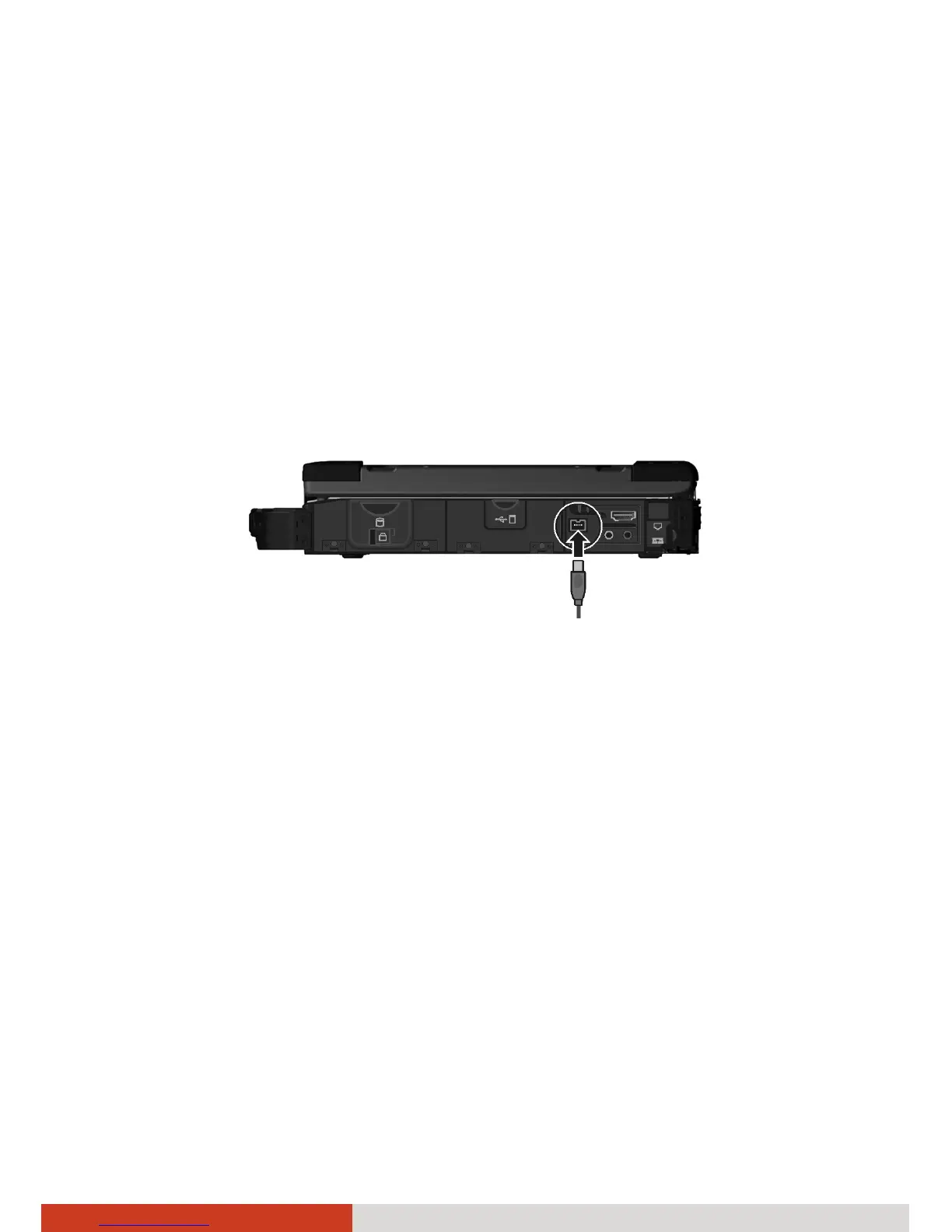
Connecting an IEEE 1394 Device
Your computer has a mini IEEE 1394 port for connecting IEEE 1394 devices
that include not only computer peripheral devices such as scanner, printer
and high-quality CCD, but also consumer electronic equipment such as
DVCAM and VCR.
To connect an IEEE 1394 device, prepare an IEEE 1394 cable. Slide the release
latch towards the right to open the connector cover. Then plug the
appropriate end of the cable to the computer’s mini IEEE 1394 connector
and the other end to the device’s corresponding connector.



 To Next Page