Operating Your Computer 2-9
Using the Touchpad
CAUTION: Do not use a sharp object such as a pen on the touchpad. Doing
so may damage the touchpad surface.
NOTE:
z Press Fn+F9 to toggle the touchpad on or off.
z For optimal performance of the touchpad, keep your fingers and the
pads clean and dry. When tapping on the pad, tap lightly. Do not use
excessive force.
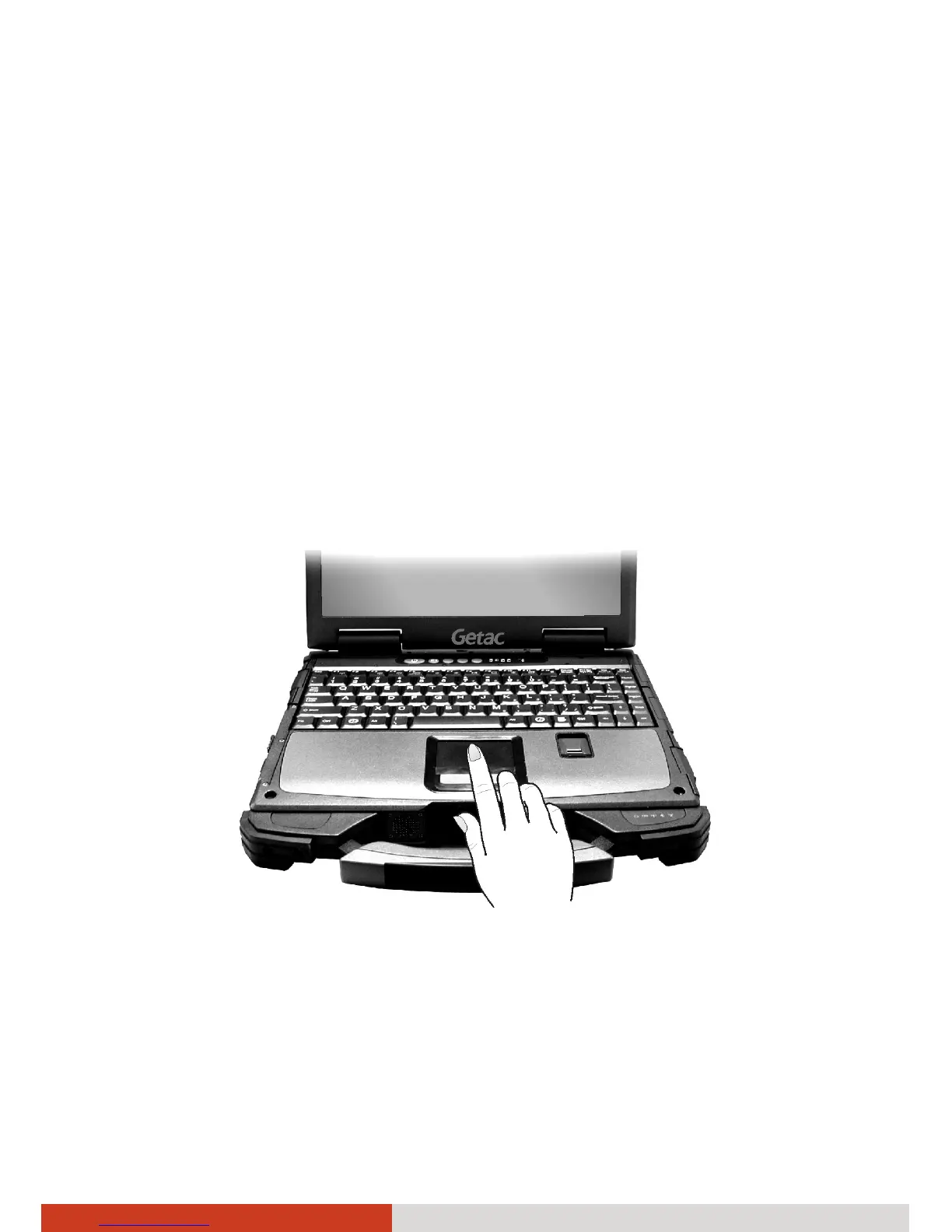
The touchpad is a pointing device that allows you to communicate with the
computer by controlling the location of the pointer on the screen and
making selection with the buttons.
The touchpad consists of a rectangular pad (work surface) and a left and
right buttons. To use the touchpad, place your forefinger or thumb on the
pad. The rectangular pad acts like a miniature duplicate of your display. As
you slide your fingertip across the pad, the pointer (also called cursor) on the
screen moves accordingly. When your finger reaches the edge of the pad,



 To Next Page