Operating Your Computer 2-31
Installing a SIM Card
To use the 3G feature to connect to the Internet, you need to subscribe to
3G service and acquire a SIM card from the service provider. To install the
SIM card, follow these steps:
1. Turn off the computer and disconnect the AC adapter.
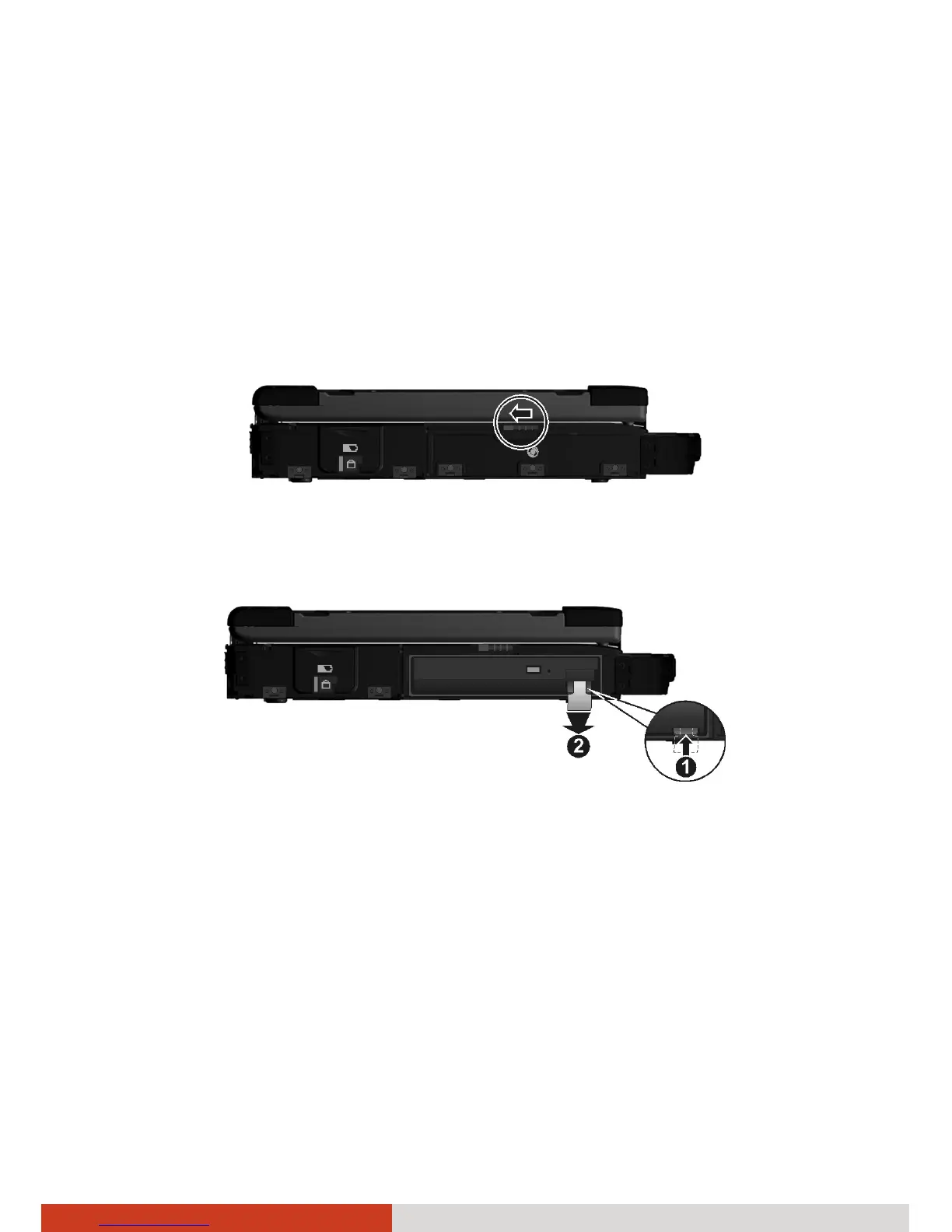
2. Open the media bay cover by sliding the release latch towards the left.
3. Press upward the release latch (n) and pull the ribbon strip (o) to slide
the existing device out of the media bay.
4. Carefully place your computer upside down.



 To Next Page