2-26
Operating Your Computer
Using the Bluetooth Feature
(Optional)
The Bluetooth technology allows short-range (about 10 meters) wireless
communications between devices without requiring a cable connection.
Data can be transmitted through walls, pockets and briefcases as long as two
devices are within range.
Turning On/Off the Bluetooth Radio
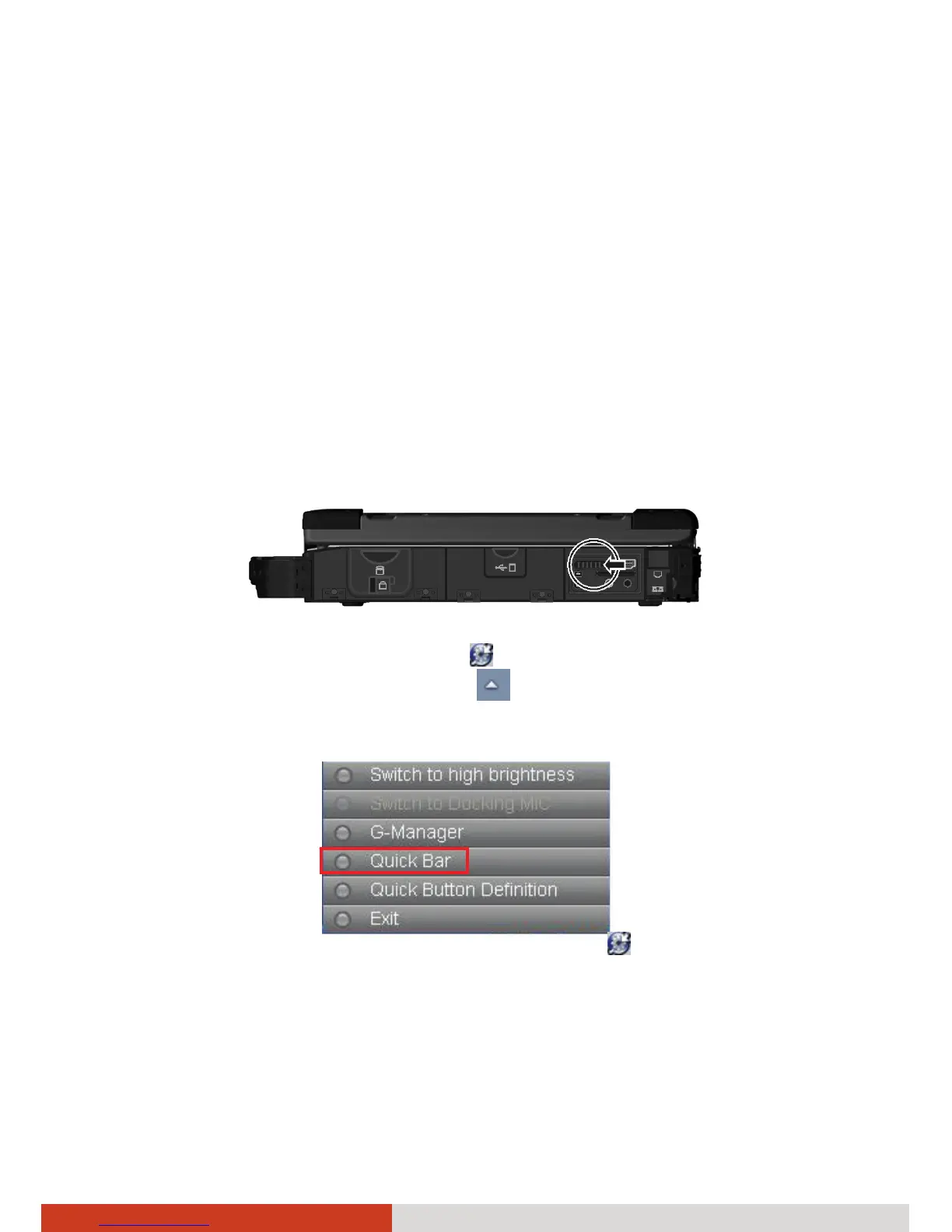
1. Make sure that the RF switch is at the ON position.
2. Right-click the Getac Utility icon (
) located on Windows taskbar and
select Quick Bar. (You need to tap
on the taskbar to show the
hidden icons.)



 To Next Page