2-28
Operating Your Computer
Connecting to another Bluetooth Device
1. Make sure that the target Bluetooth device is turned on, discoverable
and within close range. (See the documentation that came with the
Bluetooth device.)
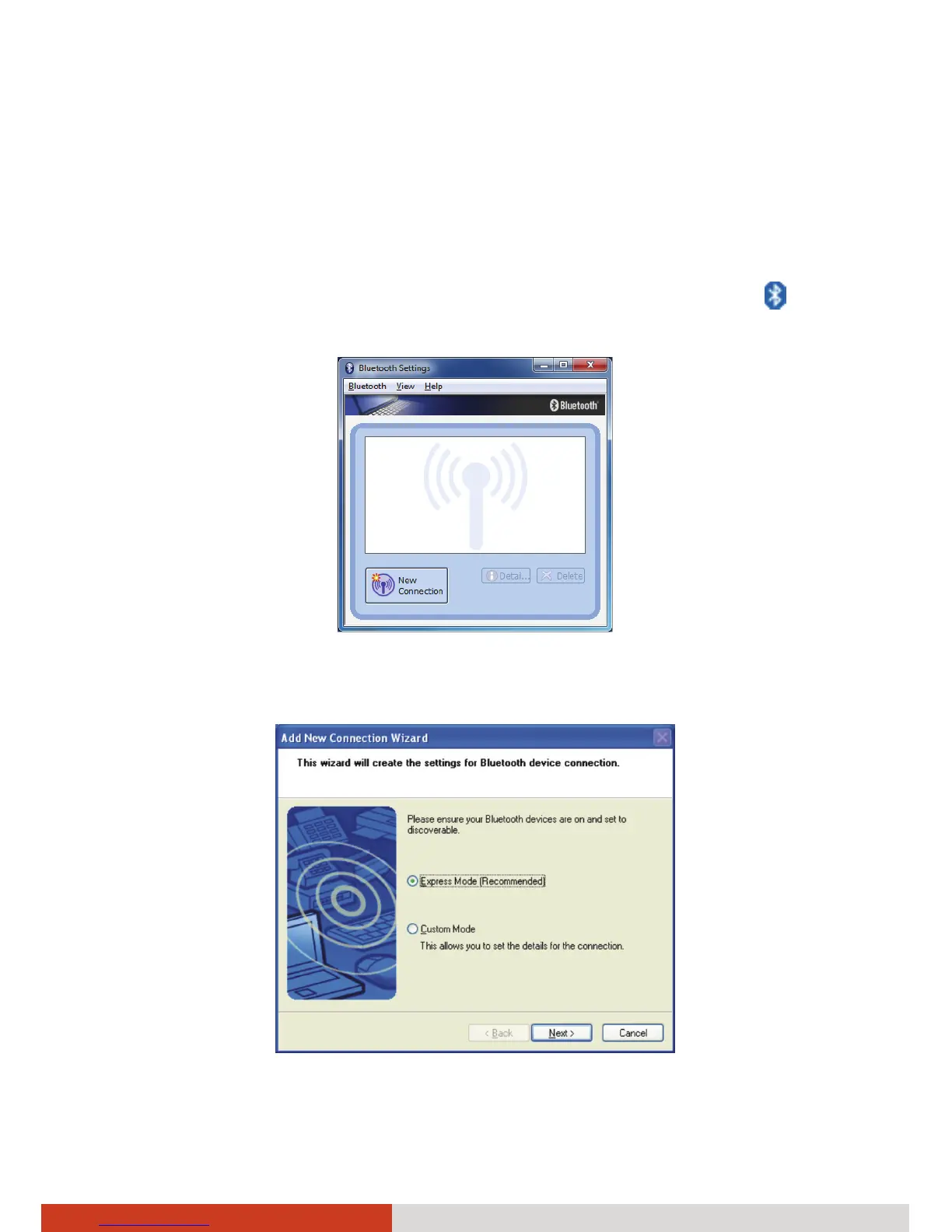
2. Start the Bluetooth utility by double-clicking the Bluetooth icon
on
the taskbar and click New Connection.
3. The Add New Connection Wizard window appears. Select Express Mode
(Recommended), and then click Next.
4. Select the device to connect to and click Next.



 To Next Page