Getting Started 1-5
CAUTION:
z When you disconnect the AC adapter, disconnect from the electrical
outlet first and then from the computer. A reverse procedure may
damage the AC adapter or the computer.
z When unplugging the connector, always hold the plug head. Never pull
on the cord.
NOTE: When the AC adapter is connected, it also charges the battery pack.
For information on using battery power, see Chapter 3.
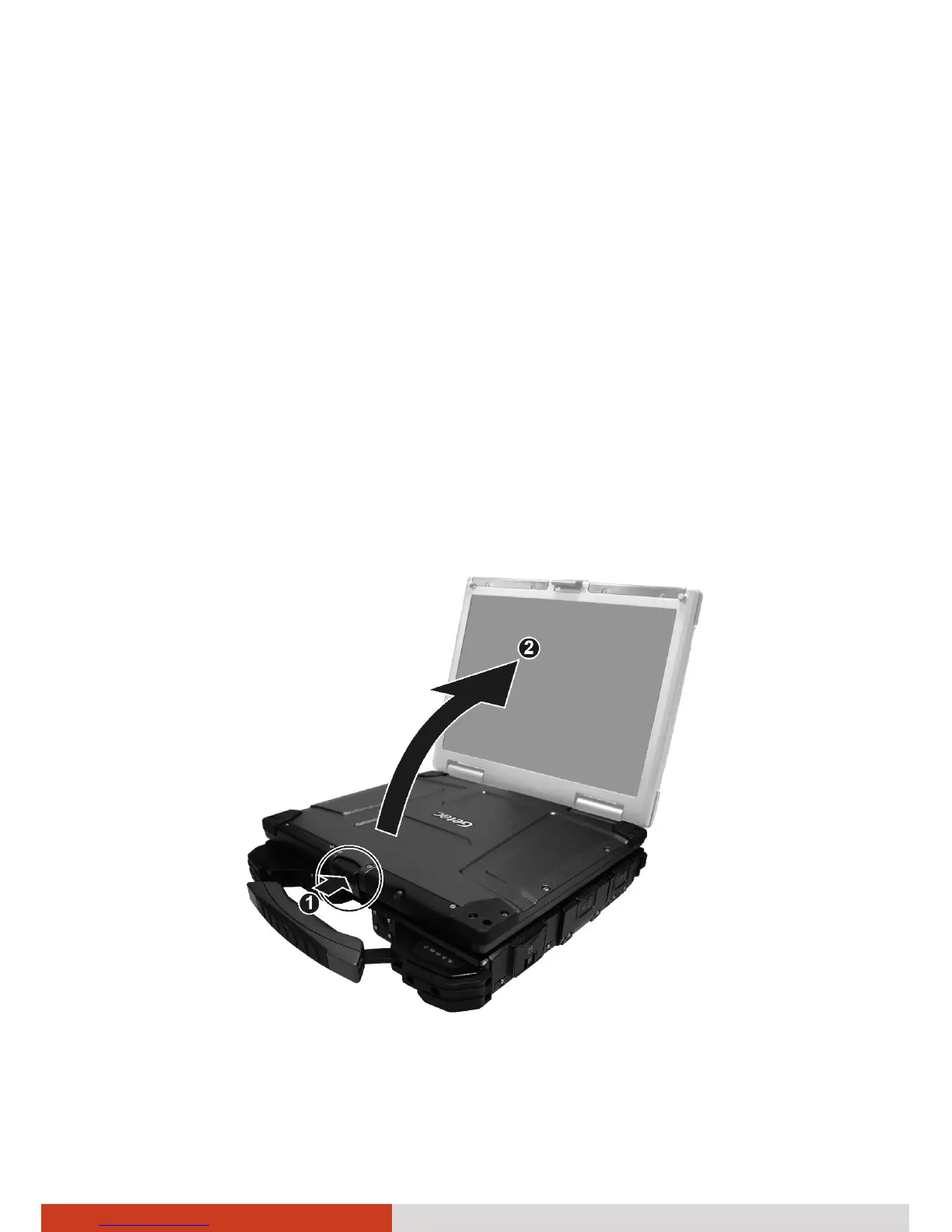
Opening the Cover
Open the top cover by pushing on the cover latch (n) and lifting up the
cover (o). You can tilt the cover forward or backward for optimal viewing
clarity.



 To Next Page