2-12
Operating Your Computer
Using the Touchscreen (Optional)
NOTE:
z Make sure the touchscreen driver has been installed properly.
z Press Fn+F8 to toggle the touchscreen on or off.
CAUTION: Do not use a sharp object such as a ballpoint pen or pencil on
the touchscreen. Doing so may damage the touchscreen surface. Use your
finger or the included stylus.
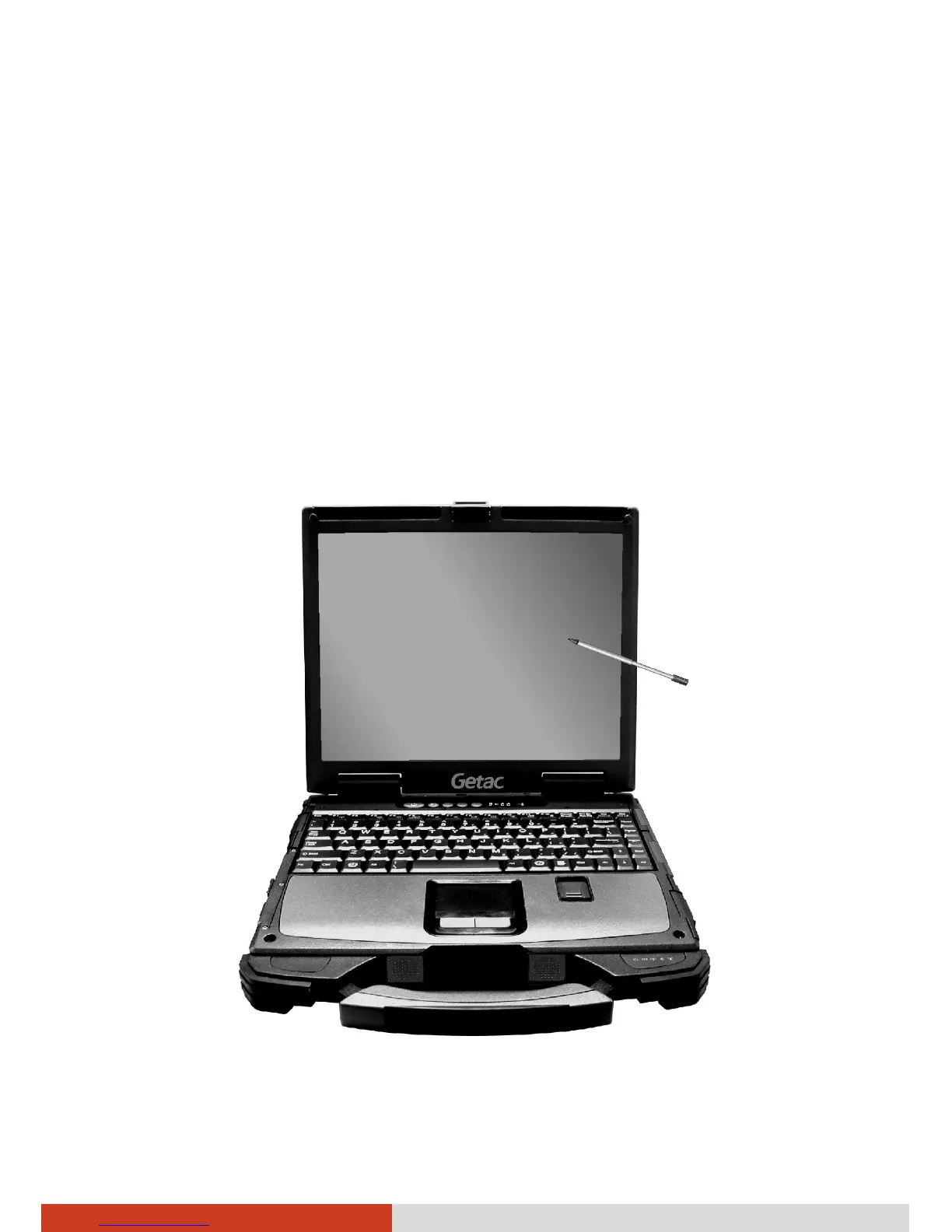
The touchscreen is a touch-sensitive device that allows you to navigate on
the screen without using a keyboard, touchpad, or mouse.



 To Next Page