Operating Your Computer 2-25
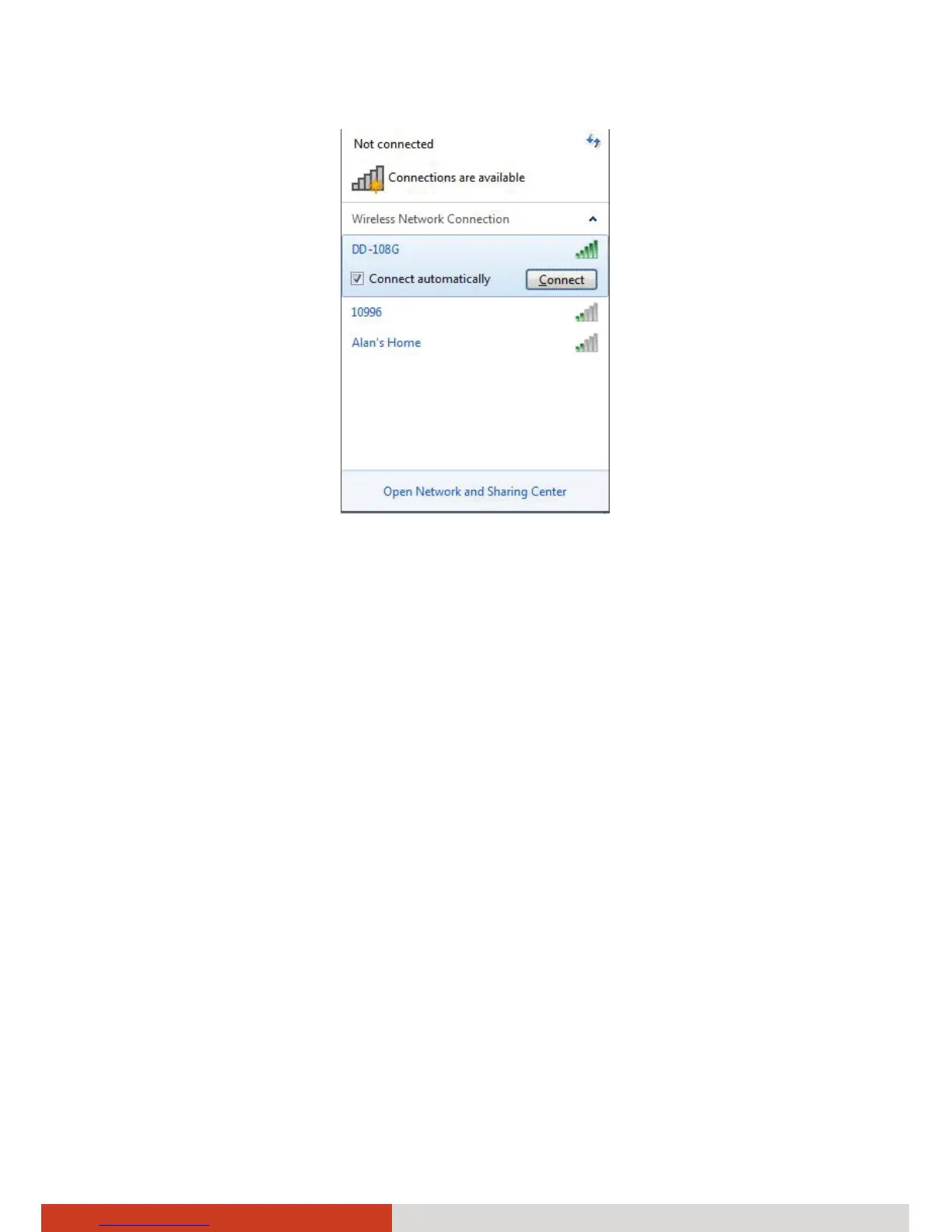
4. Some networks require a network security key or passphrase. To connect
to one of those networks, ask your network administrator or Internet
service provider (ISP) for the security key or passphrase.
NOTE:
z Once you have connected to a wireless network, a profile is added in
Windows. By default, Windows will automatically connect to the
wireless network when it is in range.
z For more information on connecting to a wireless network, see
Windows’ online help.



 To Next Page