3-8
Managing Power
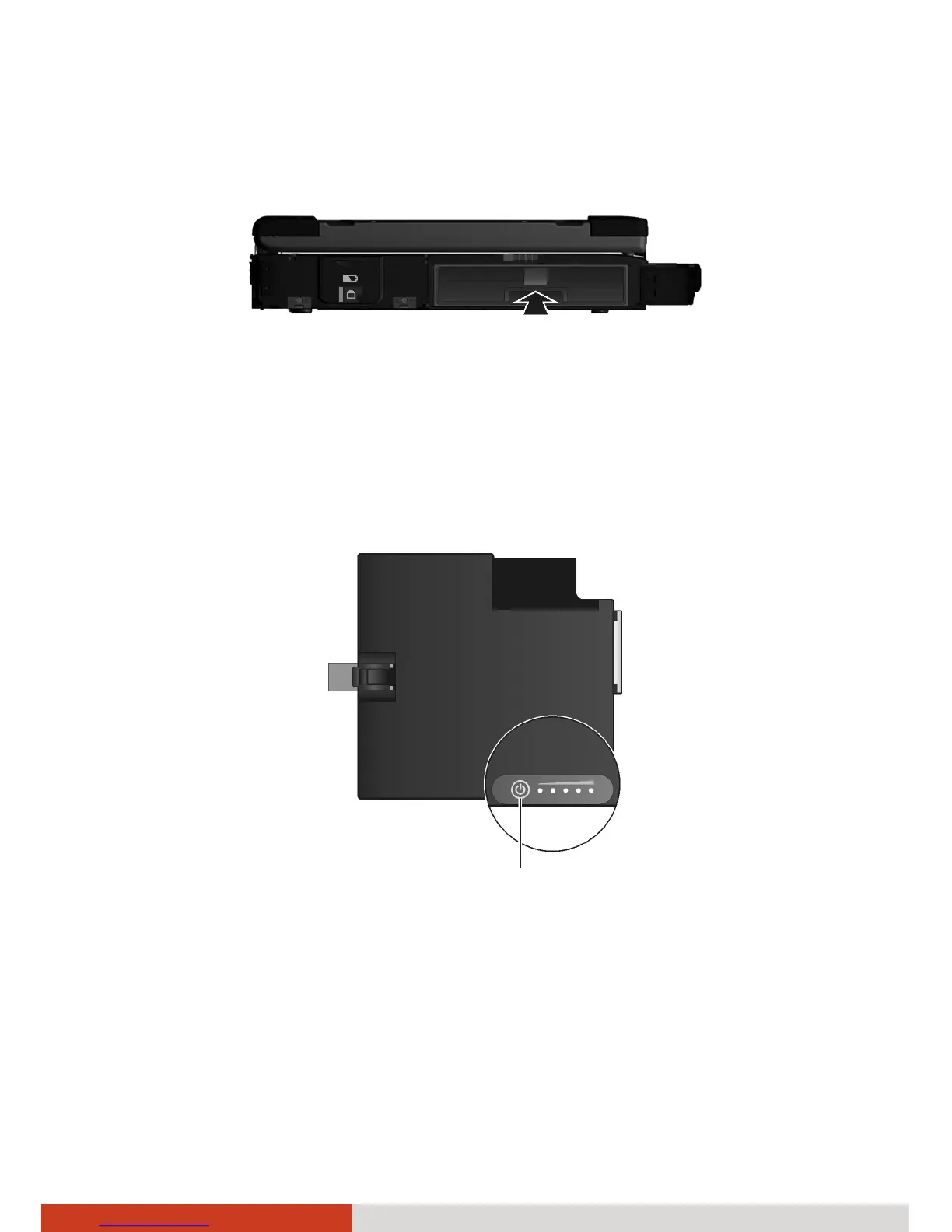
4. With the ribbon strip facing outward, insert the second battery pack all
the way into the media bay.
5. Close the media bay cover.
On the exterior side of the second battery pack is a gas gauge for displaying
the estimated battery charge. When the battery pack is not installed in the
computer and you want to know the battery charge, you can press the
switch with a pointed device to see the corresponding value of indicator
segment that light green.
The value of the corresponding green segment indicates the relative
percentage of the battery charge. The battery pack is fully discharged when
you see no segment glowing green.
Switch



 To Next Page