5-8
Using BIOS Setup and System Recovery
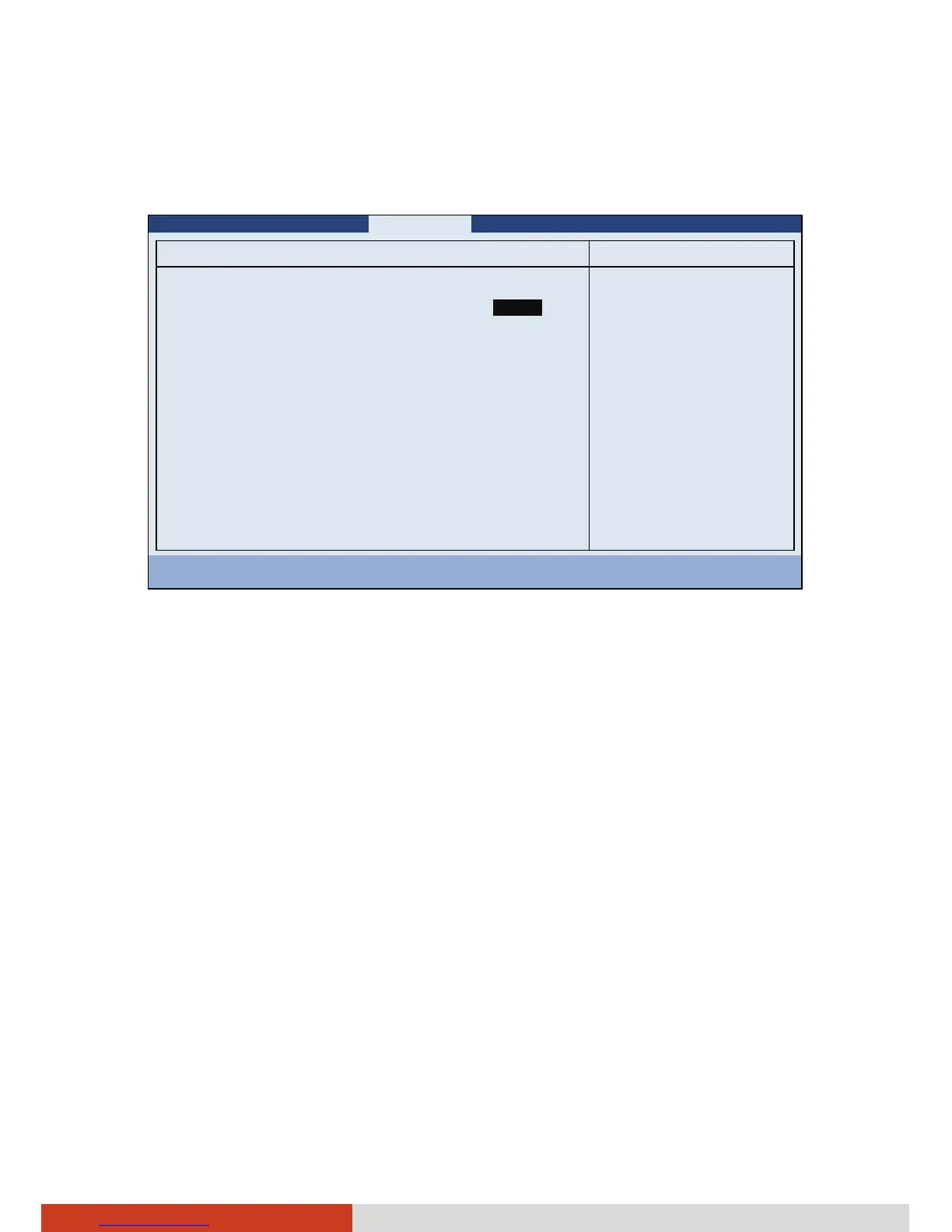
Graphics Setup sets graphics related options. Press Enter to access the
submenu as shown below.
Information Main Advanced Security Boot Exit
Graphics Setup: Item Specific Help
DVMT Pre-Allocated:
Total Graphics Memory:
[ ]
[256MB]
Select DVMT
Pre-Allocated(Fixed)
Graphics Memory size
used by the Internal
Graphics Device.
F1 Help ↑↓ Select Item -/+ Change Values F9 Setup Defaults
Esc Exit ←→ Select Menu Enter Select X Sub-Menu F10 Save and Exit
DVMT Pre-Allocated sets the amount of pre-allocated (fixed) graphics
memory for use by the internal graphics device.
Total Graphics Memory sets the amount of total graphics memory
(pre-allocated + fixed + DVMT) for use by the internal graphics device.
32 MB



 To Next Page