107
Current URL All existing URL/Keywords in filtering
Blocking Table (5): table will be listed here.
Delete (6): If you want to delete a specific URL/Keyword entry,
check the ‘select’ box of the MAC address you want
to delete, then click ‘Delete Selected’ button. (You
can select more than one MAC addresses).
Delete All (7): If you want to delete all URL/Keyword listed here,
please click ‘Delete All’ button.
Reset (8): You can also click ‘Reset’ button to unselect all
URL/Keywords.
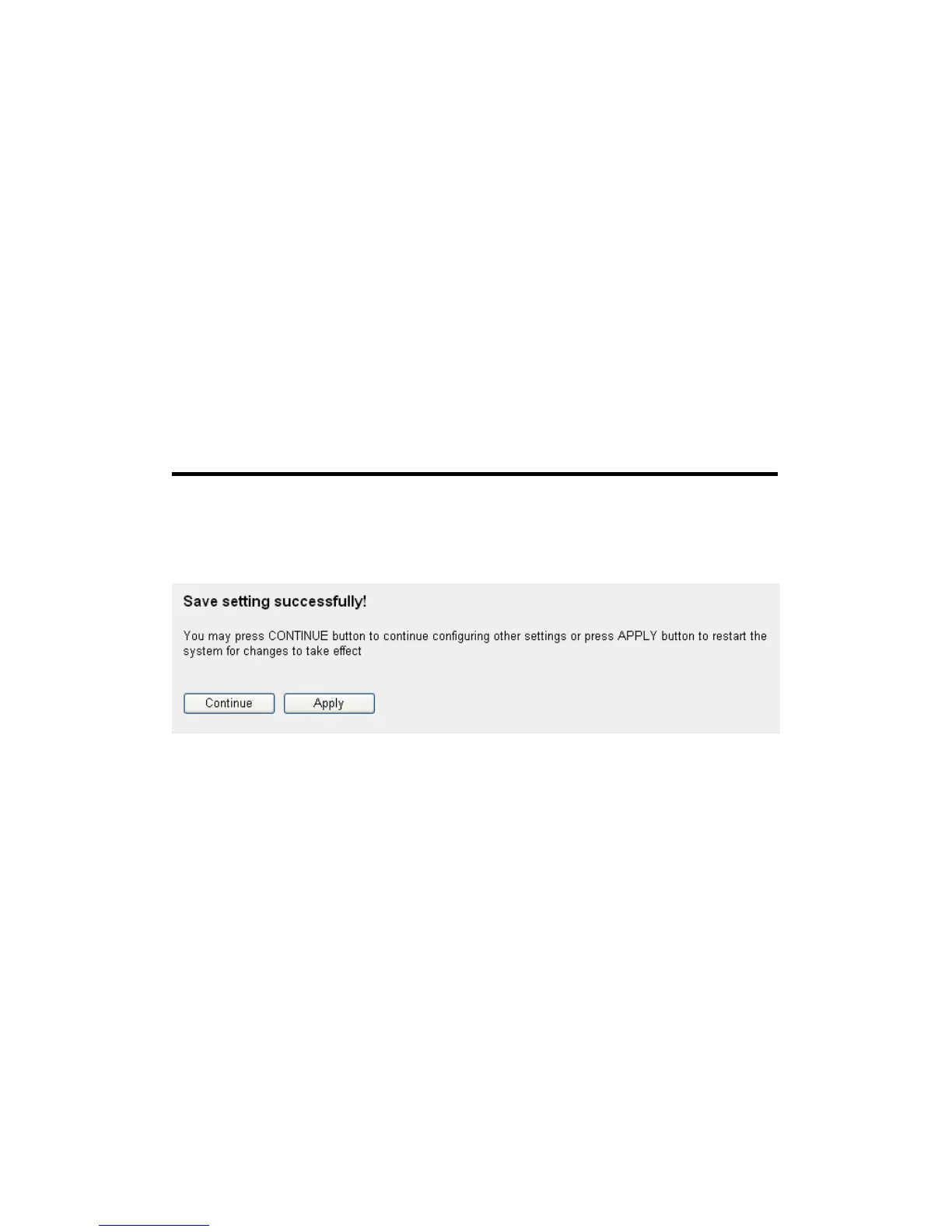
After you finish with all settings, please click ‘Apply’ (9) button, and the
following message will be displayed on your web browser:
Please click ‘Continue’ to back to previous setup menu; to continue on
other setup procedures, or click ‘Apply’ to reboot the router so the
settings will take effect (Please wait for about 30 seconds while router is
rebooting).
If you want to reset all settings in this page back to previously-saved
value, please click ‘Cancel’ button.
3-3-3 DoS Attack Prevention
Denial of Service (DoS) is a common attack measure, by transmitting a
great amount of data or request to your Internet IP address and server, the



 To Next Page