90
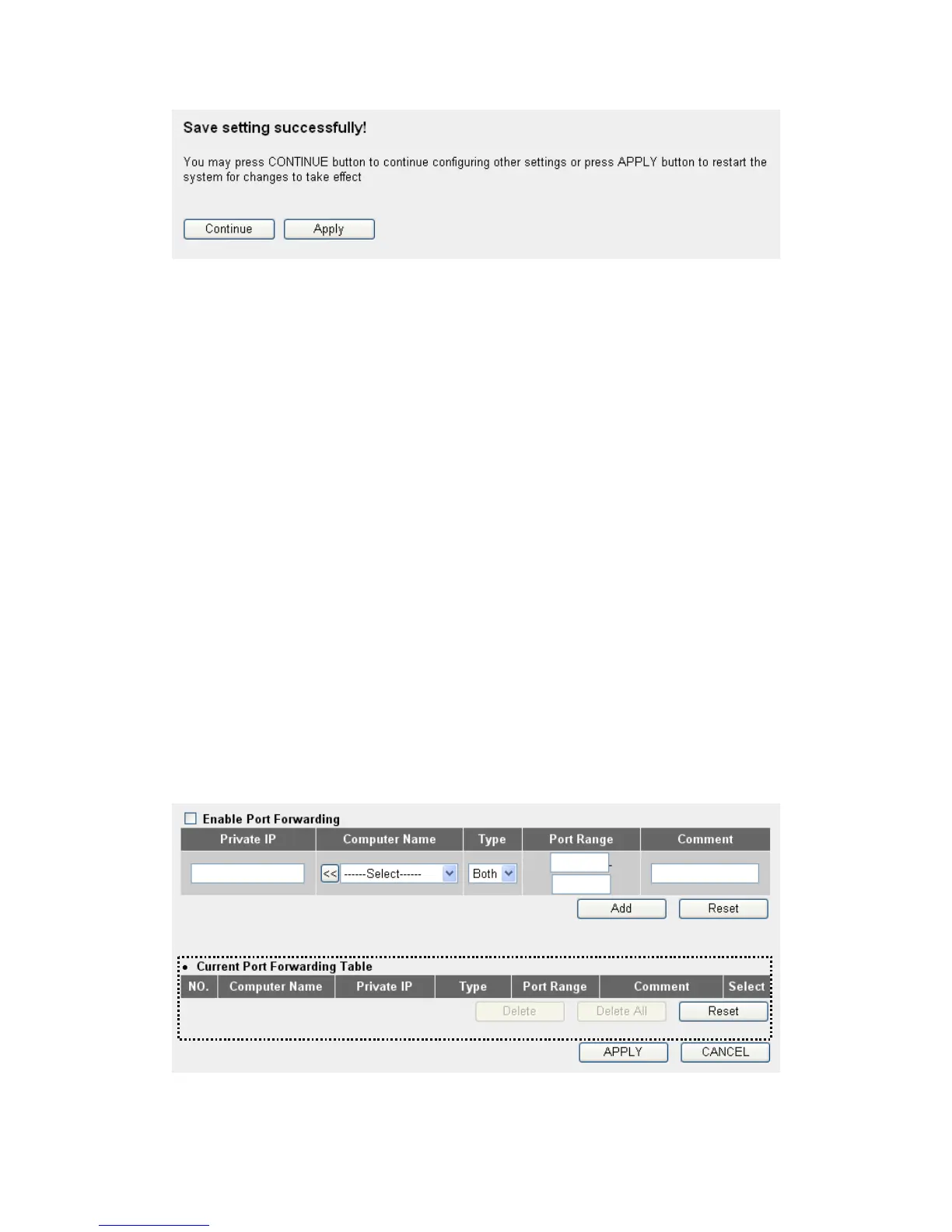
Please click ‘Continue’ to back to previous setup menu; to continue on
other setup procedures, or click ‘Apply’ to reboot the router so the
settings will take effect (Please wait for about 30 seconds while router is
rebooting).
3-2-2 Port Forwarding
This function allows you to redirect a single port or consecutive ports of
Internet IP address to the same port of the IP address on local network.
The port number(s) of Internet IP address and private IP address (the IP
address on local network) must be the same. If the port number of
Internet IP address and private IP address is different, please use ‘Virtual
Server’ function, described in next section.
Please click ‘NAT’ menu on the left of web management interface, then
click ‘Port Forwarding’, and the following message will be displayed on
your web browser:
1
3
45
6
7 8



 To Next Page