49
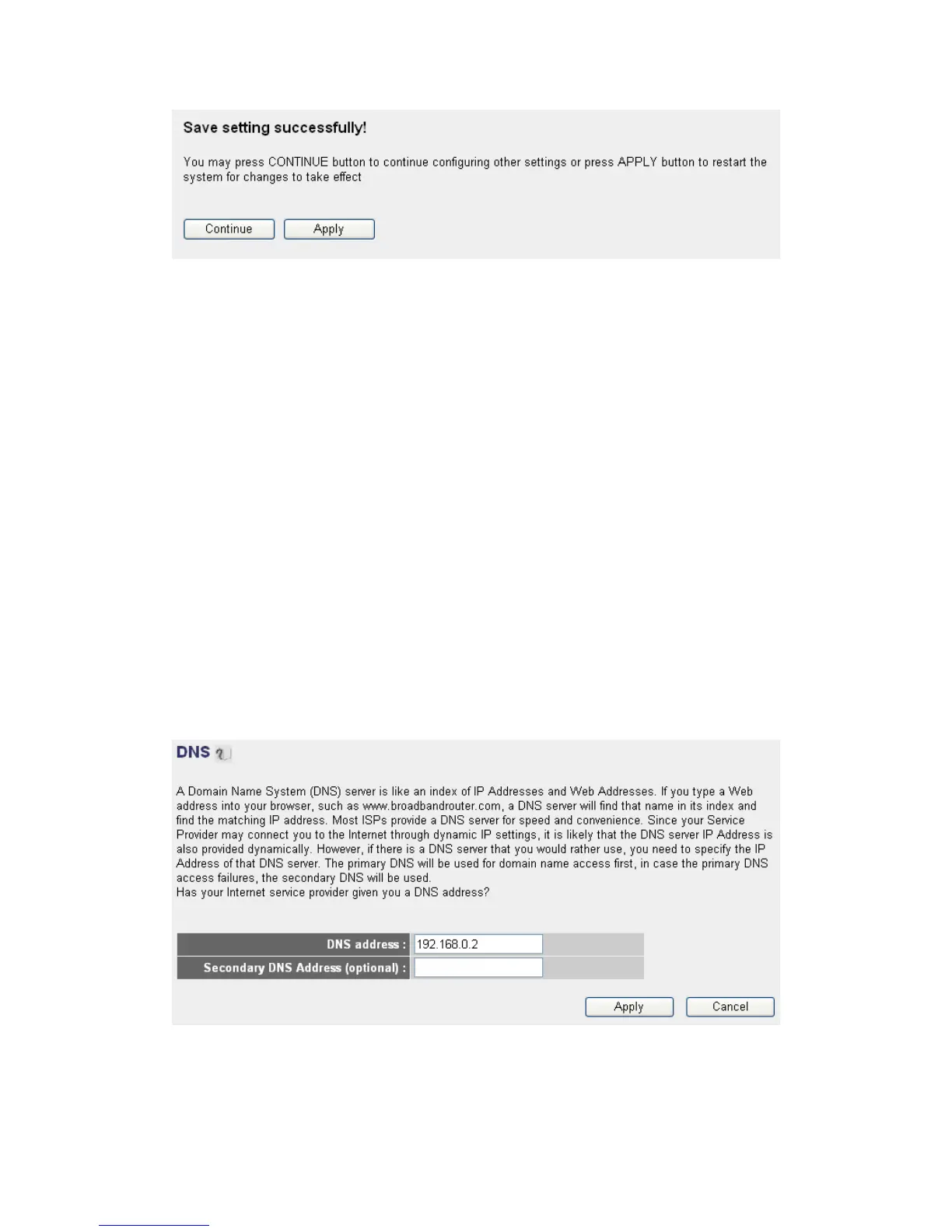
Please click ‘Continue’ to back to previous setup menu; to continue on
other setup procedures, or click ‘Apply’ to reboot the router so the
settings will take effect (Please wait for about 30 seconds while router is
rebooting).
If you want to reset all settings in this page back to previously-saved
value, please click ‘Cancel’ button.
2-5-7 Setup procedure for ‘DNS’:
If you select ‘Dynamic IP’ or ‘PPPoE’ as Internet connection method, at
least one DNS server’s IP address should be assigned automatically.
However, if you have preferred DNS server, or your service provider
didn’t assign the IP address of DNS server because of any reason, you can
input the IP address of DNS server here.
Here are descriptions of every setup items:
1
2
3



 To Next Page