7
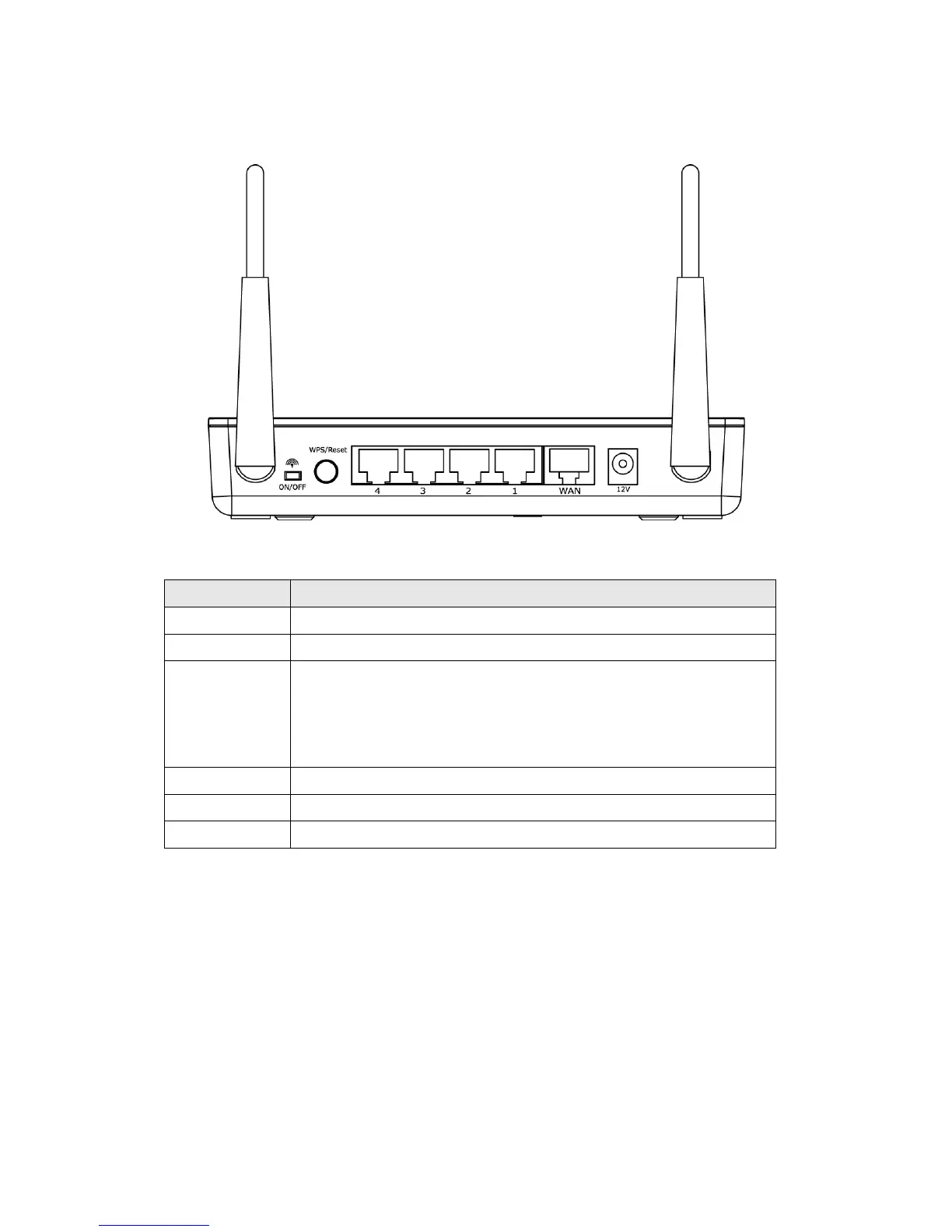
Back Panel
Item Name Description
Antenna It is 3dBi dipole antenna.
Radio ON/OFF Switch the button to activate or deactivate the wireless functions.
Reset / WPS Reset the router to factory default settings (clear all settings) or
start WPS function. Press this button and hold for 10 seconds to
restore all settings to factory defaults, and press this button for less
than 5 seconds to start WPS function.
1 - 4 Local Area Network (LAN) ports 1 to 4.
WAN Wide Area Network (WAN / Internet) port.
Power Power connector, connects to A/C power adapter.



 To Next Page