114
3-4 System Status
The functions described here will provide you with system related
information. To enter system status menu, please either click ‘Status’ link
located at the upper-right corner of web management interface, or click
‘Status’ button in main menu.
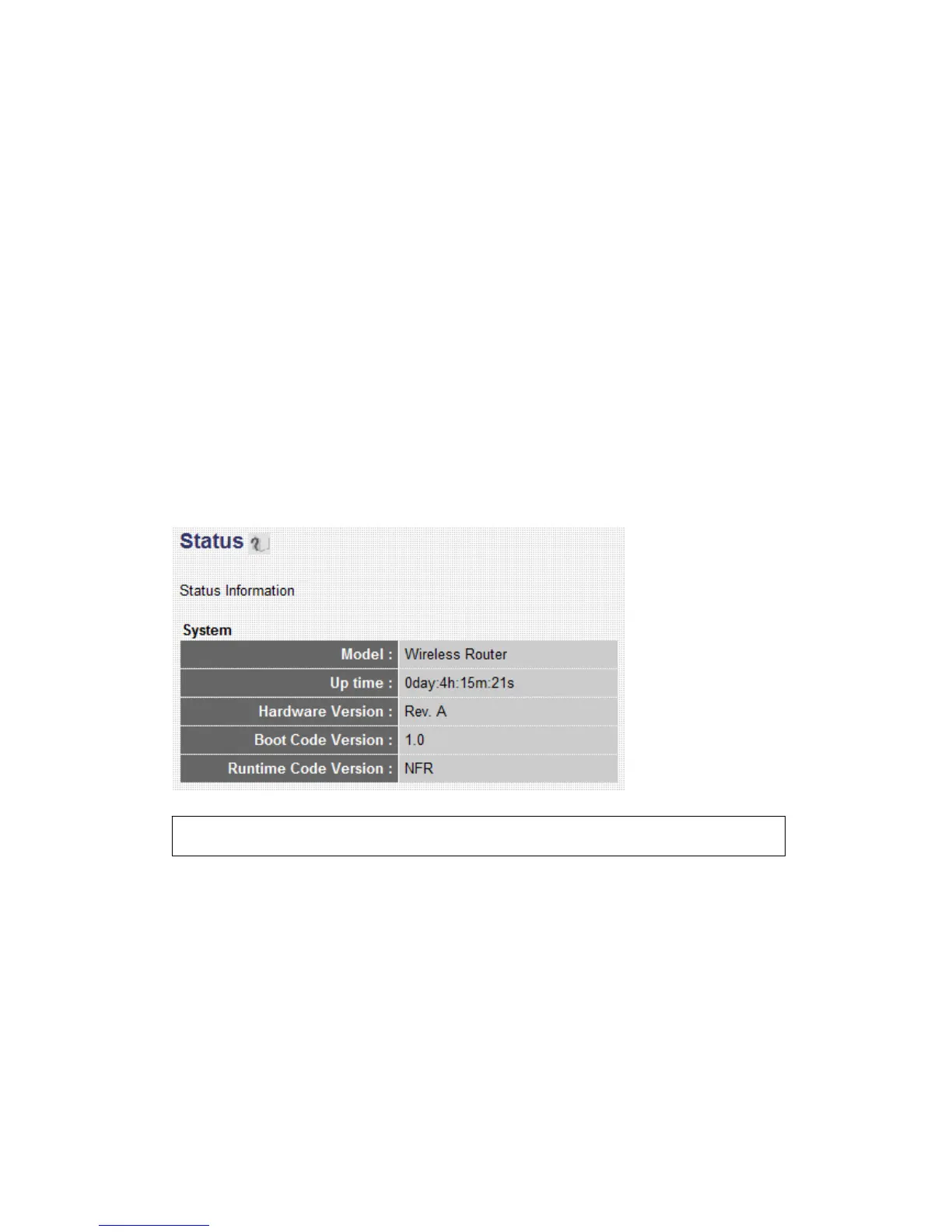
3-4-1 System information and firmware version
You can use this function to know the system information and firmware
version of this router.
Please click ‘Status’ link located at the upper-right corner of web
management interface, and the following message will be displayed on
your web browser
3-4-2 Internet Connection Status
You can use this function to know the status of current Internet
connection.
Please click ‘Internet Connection’ menu on the left of web management
interface, and the following message will be displayed on your web
browser:
NOTE: Information displayed here may vary.



 To Next Page