52
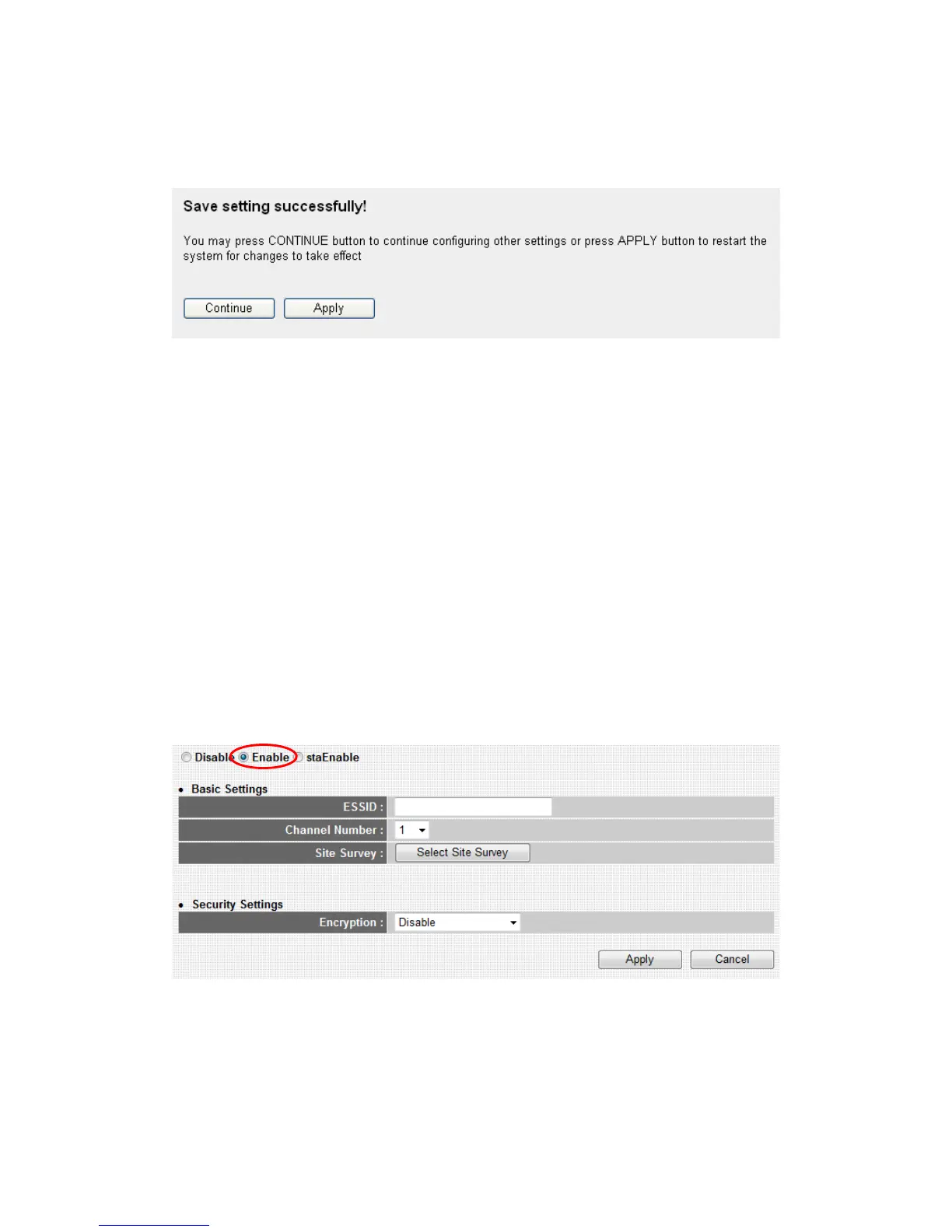
After you finish with all settings, please click ‘Apply’ (6) button and the
following message will be displayed on your web browser:
Please click ‘Continue’ to back to previous setup menu; to continue on
other setup procedures, or click ‘Apply’ to reboot the router so the
settings will take effect (Please wait for about 30 seconds while router is
rebooting).
If you want to reset all settings in this page back to previously-saved
value, please click ‘Cancel’ button.
2-5-9 Setup procedure for ‘WISP
You can connect with ISP via the router wirelessly, because the router
provides WISP connection mode. Click “ Enable “ and “ Select Site
Survey “ button
Here you will find many Wireless Access Points as follows. To Choose an
Access Point which you would like connect , then click “Select” button
and “Done” .



 To Next Page