59
2-7 Wireless LAN Configuration
If your computer, PDA, game console, or other network devices which
is equipped with wireless network interface, you can use the wireless
function of this router to let them connect to Internet and share
resources with other computers with wired-LAN connection. You can
also use the built-in security functions to protect your network from
being intruded by malicious intruders.
Please follow the following instructions to set wireless parameters:
2-7-1 Basic Wireless Settings
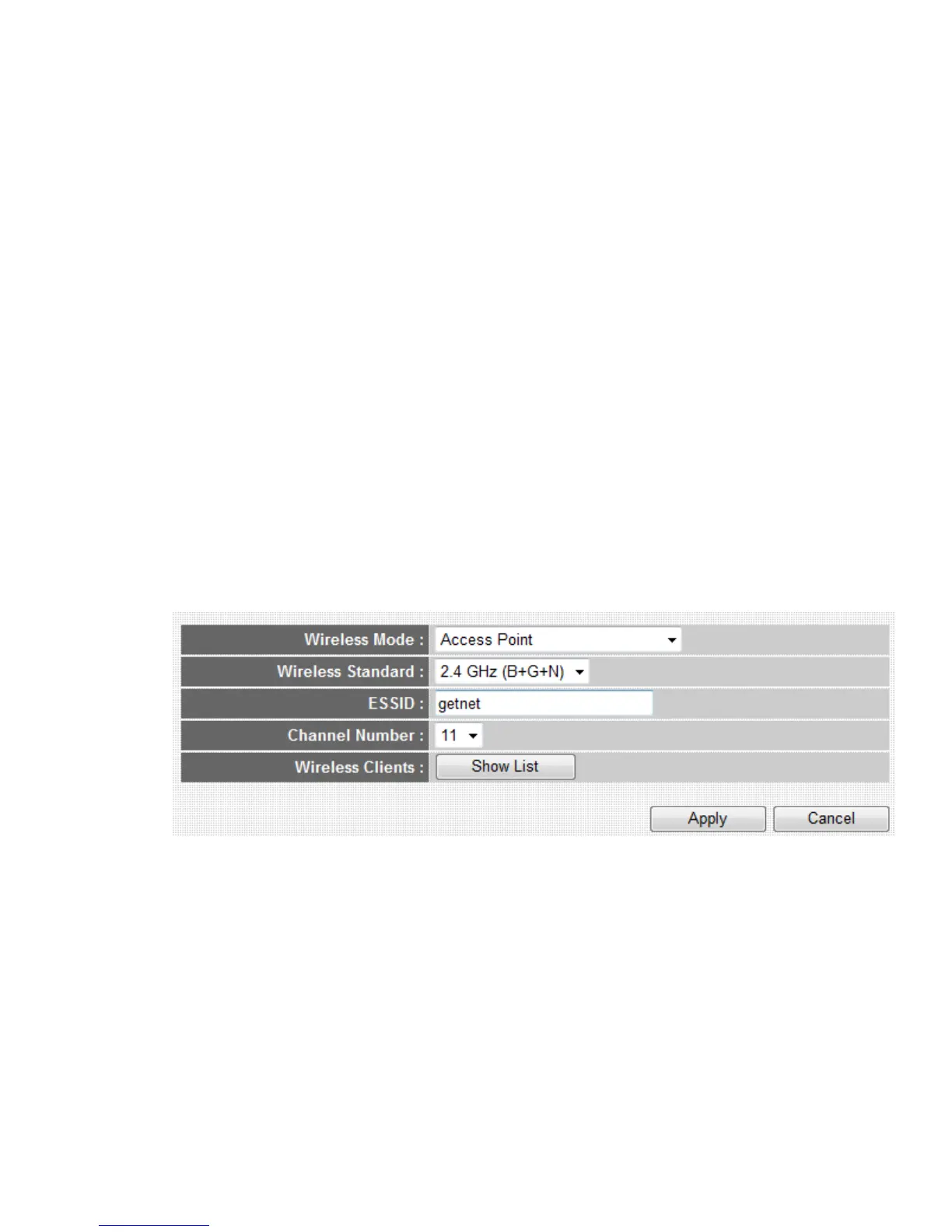
Please click ‘Wireless’ menu on the left of web management interface,
then click ‘Basic Settings’, and the following message will be displayed
on your web browser:
This wireless router can be work in 6 modes:
a. Access Point: Standard wireless AP .
b. Station-Infrastructure: Configure the router to Ethernet device such us
TV, Game player, HDD&DVD to enable the Ethernet device be a
wireless station.
c. AP Bridge-Point to Point: Connect this router with another wireless
1
2
3
4
5



 To Next Page