31
for detailed descriptions.
When you finish with all settings, please click ‘OK (7); if you want to go
back to previous menu, click ‘Back’.
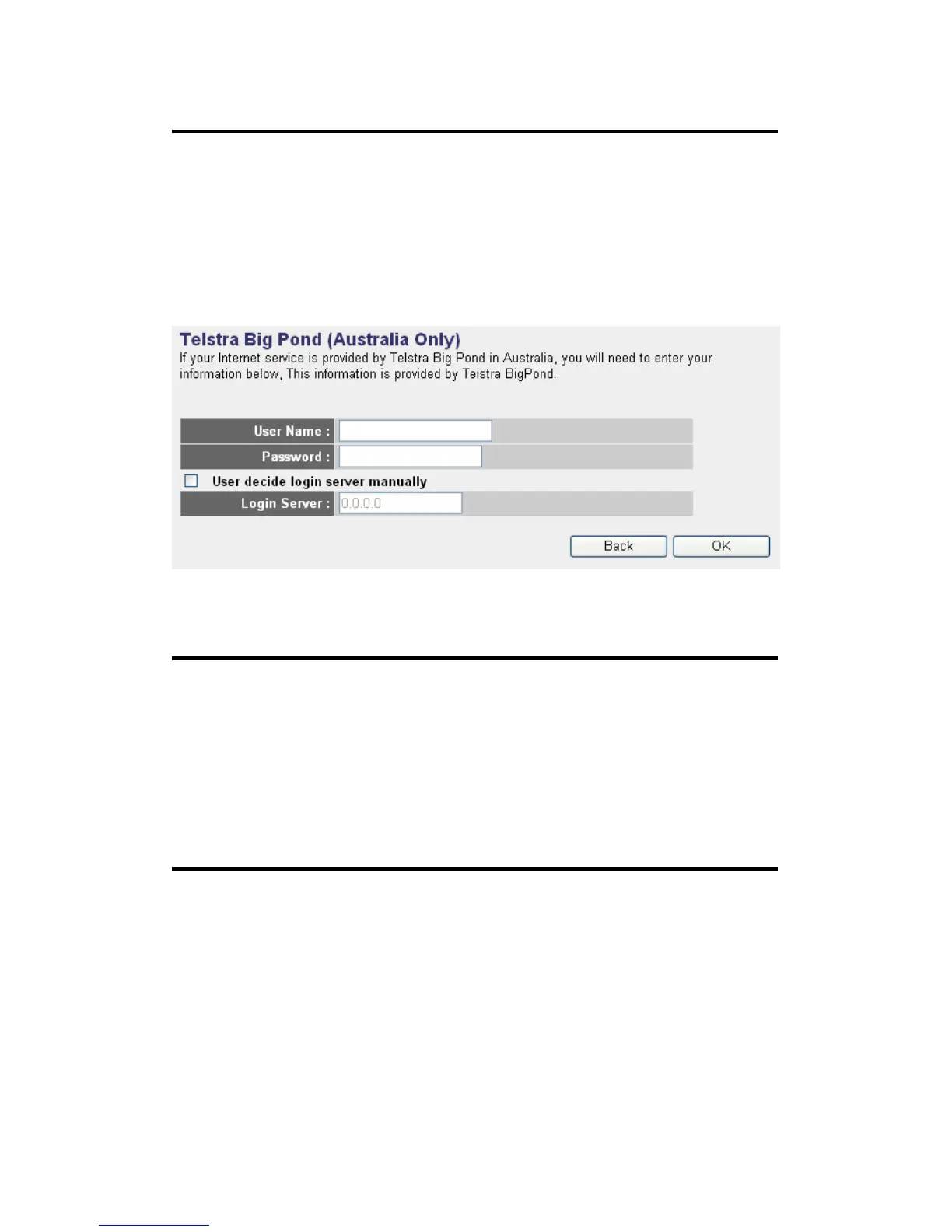
2-3-6 Setup procedure for ‘Telstra Big Pond’:
This setting only works when you’re using Telstra big pond’s network
service in Australia. You need to input:
User Name (1): Please input the user name assigned by Telstra.
Password (2): Please input the password assigned by Telstra.
User decide login Check this box to choose login
server manually (3): server by yourself.
Login Server(4):Please input the IP address of login server here.
When you finish with all settings, click ‘OK (5); if you want to go back to
previous menu, click ‘Back’.
When all settings are finished, you’ll see the following message displayed
on your web browser:
1
2
3
4
5



 To Next Page