97
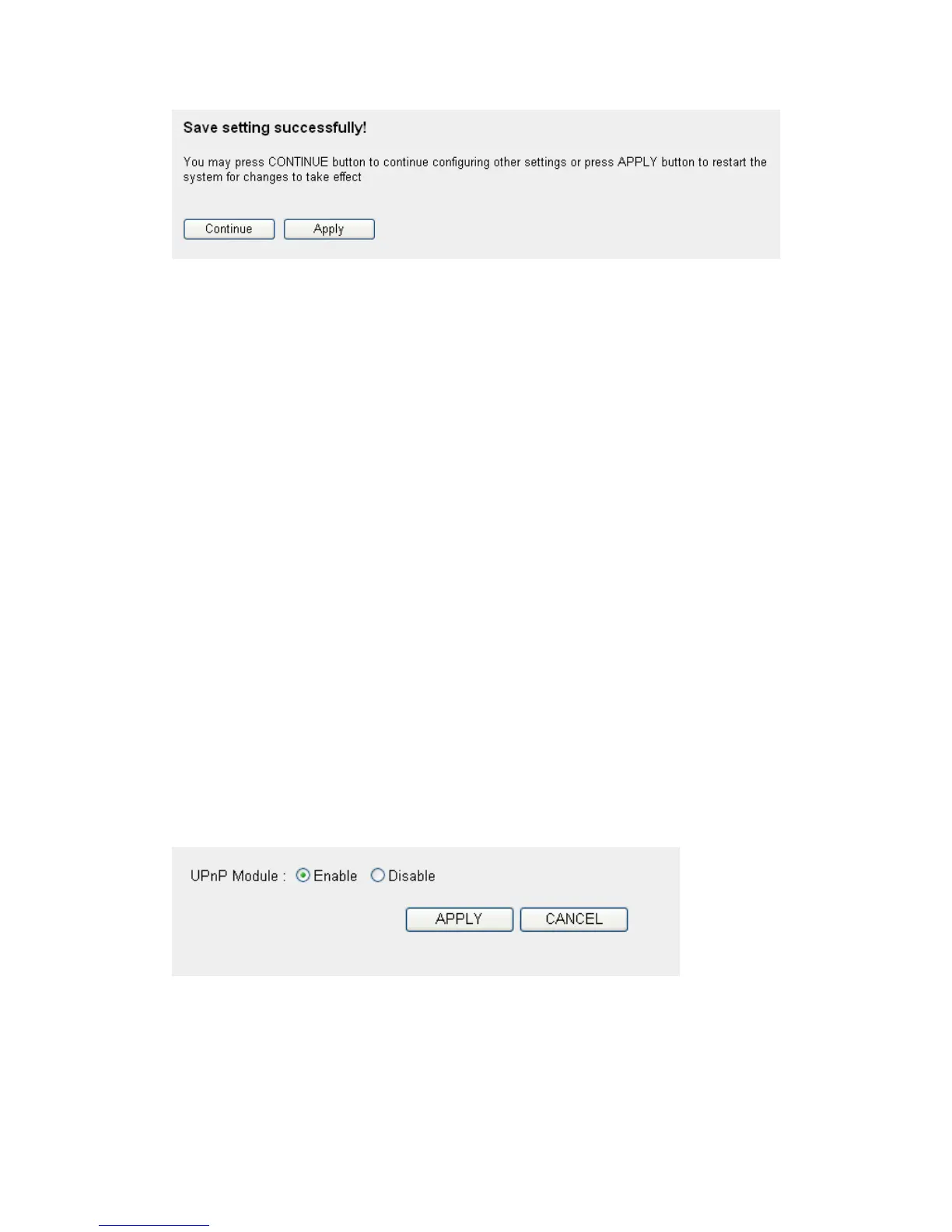
Please click ‘Continue’ to back to previous setup menu; to continue on
other setup procedures, or click ‘Apply’ to reboot the router so the
settings will take effect (Please wait for about 30 seconds while the router
is rebooting).
If you want to reset all settings in this page back to previously-saved
value, please click ‘Cancel’ button.
3-2-5 UPnP Setting
This function enables network auto-configuration for peer-to-peer
communications, with this function, network devices will be able to
communicate with other devices directly, and learn about information
about other devices. Many network device and applications rely on UPnP
function nowadays.
Please click ‘NAT’ menu on the left of web management interface, then
click ‘UPnP’, and the following message will be displayed on your web
browser:
There is only one option in this page, please select ‘Enable’ or ‘Disable’
to enable or disable UPnP function, then click ‘Apply’ button, and the
following message will be displayed on your web browser:



 To Next Page