20
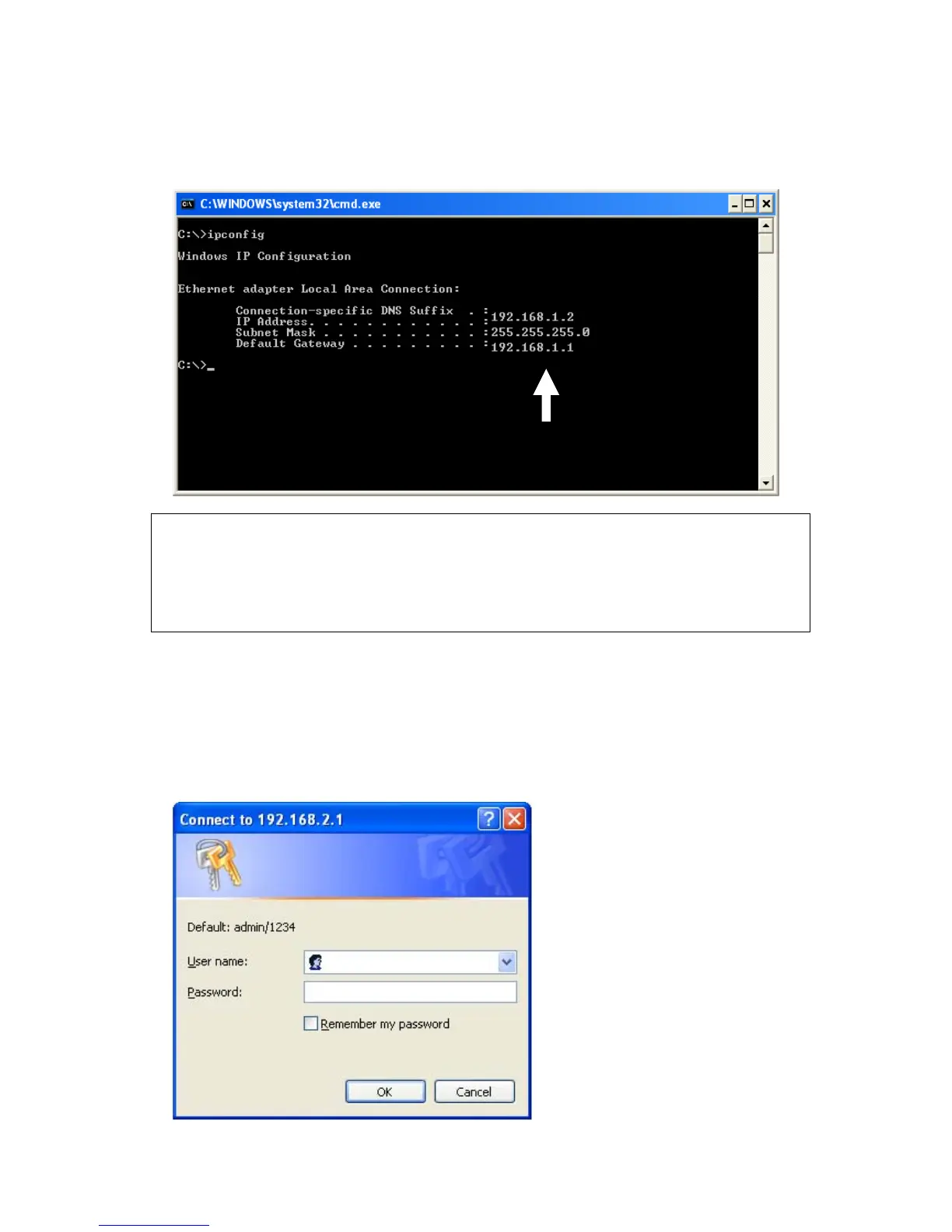
Input ‘ipconfig’, then press ‘Enter’ key. Please check the IP address
followed by ‘Default Gateway’ (In this example, the IP address of router
is 192.168.1.1, please note that this value may be different.)
3. Connect the router’s management interface by web browser
After your computer obtained an IP address from router, please start your
web browser, and input the IP address of router in address bar. The
following message should be shown:
NOTE: If the IP address of Gateway is not displayed, or the address followed
by ‘IP Address’ begins with ‘169’, please recheck network connection
between your computer and router, and / or go to the beginning of this
chapter, to recheck every step of network setup procedure.



 To Next Page