Installation
2
2-4 223 Sample Changer User’s Guide
Probe Installation
Probe Installation
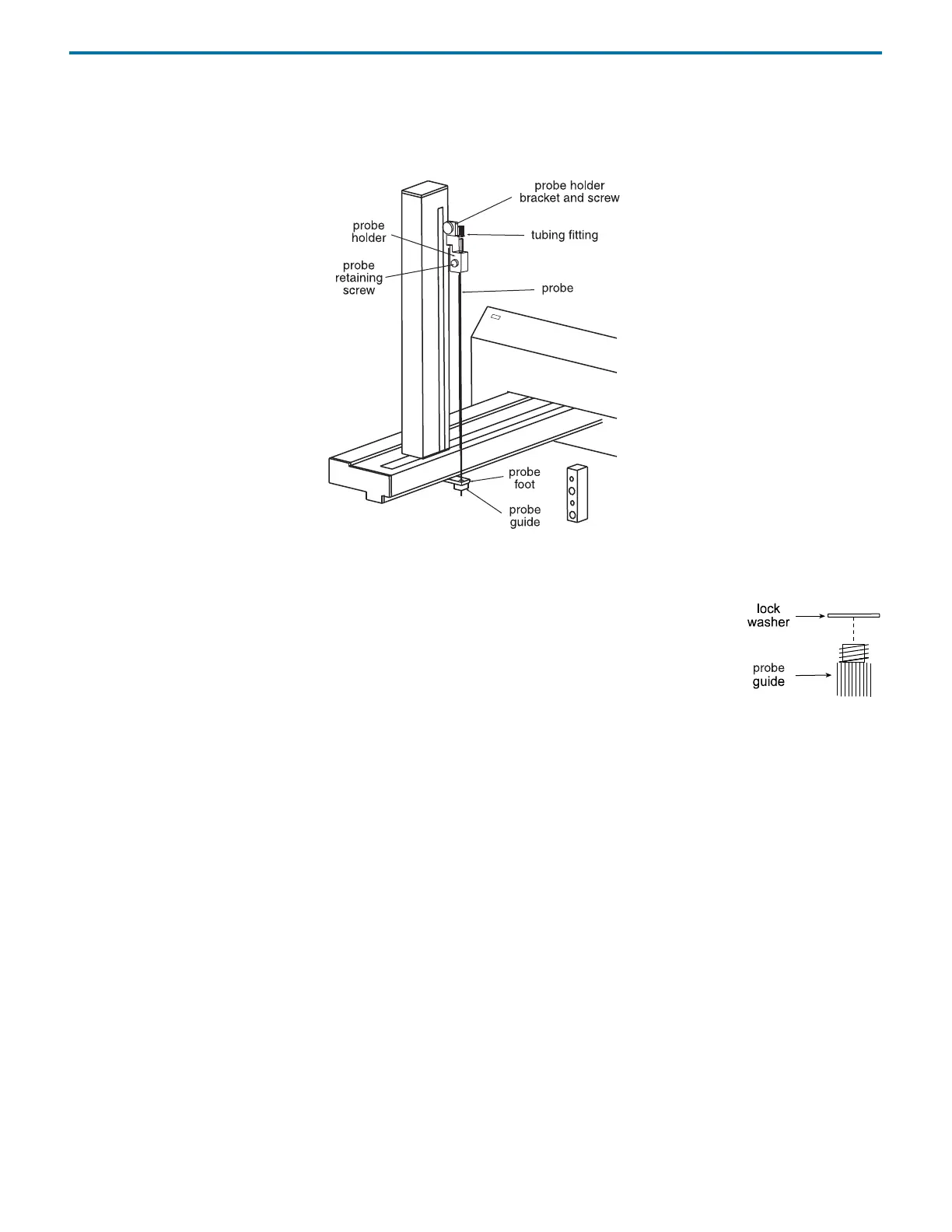
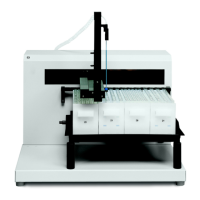
When installing the probe, refer to the following diagram that shows where the probe, probe holder, and probe guide are
installed on the sample changer.
Install Probe Guide
To install the probe guide:
1 Place the metal lock washer onto the probe guide.
2 Screw the probe guide with lock washer into place on the bottom side of the probe foot.
Install Probe Holder
To install the probe holder, slide it into place on the probe holder bracket and secure with the supplied screw.
Install Probe
To install the probe:
1 Slide the probe into the tubing fitting.
2 Connect the transfer tubing from the dilutor, if installed, to the tubing fitting.
3 Slide the probe assembly into the probe holder on the vertical arm making sure that the probe is centered over the probe
guide.
4 Secure the probe by tightening the probe retaining screw.



 To Next Page