223 Sample Changer User’s Guide 3-7
Operation
3
223 Setup Utility
XYZ Coordinates
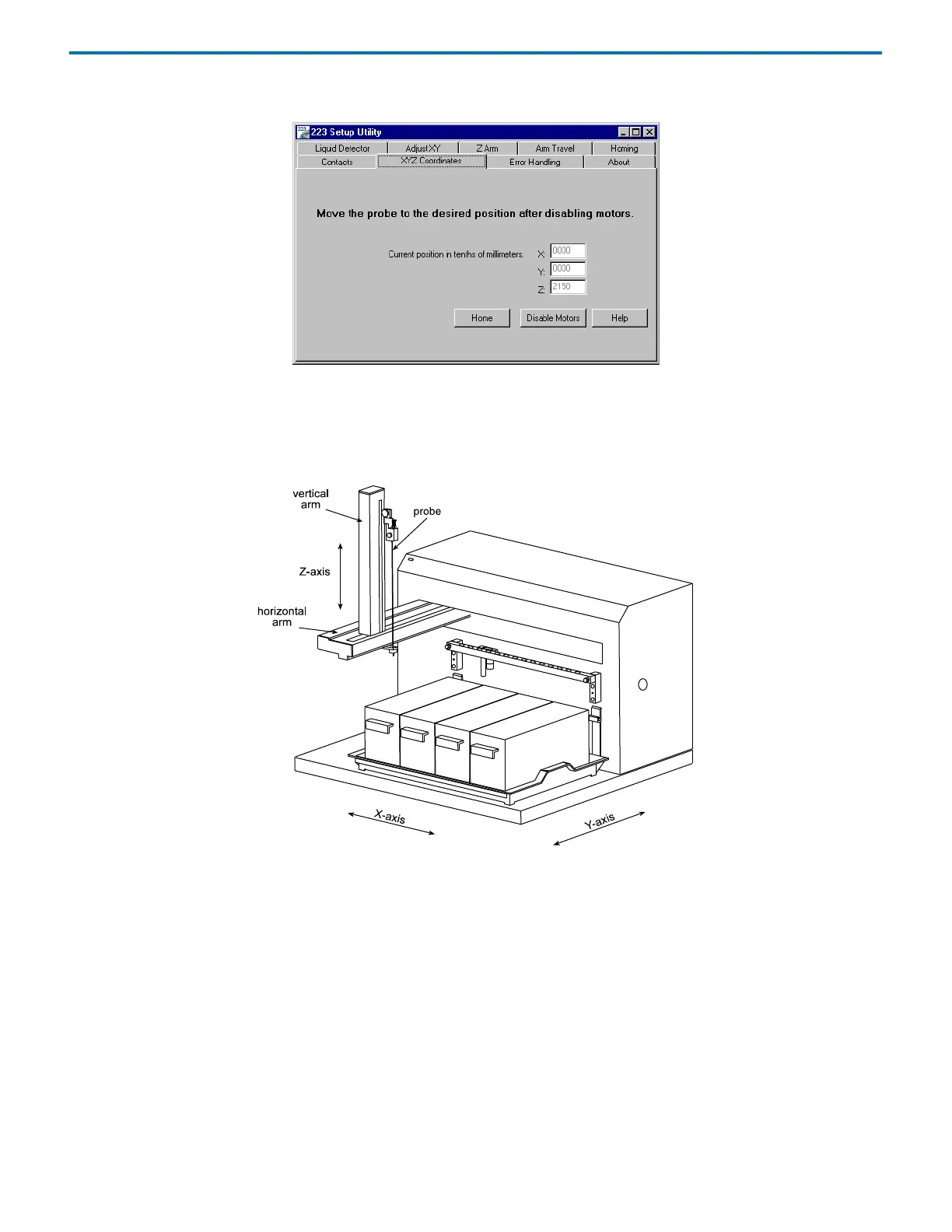
Use this tab to identify the X, Y, Z coordinates of locations on the sample changer’s work area and Z coordinate of the probe’s tip.
First, click Disable Motors. Then, manually move the horizontal and vertical arms to a location on the sample changer’s work
area. Finally, manually lower or raise the probe to the appropriate height. The 223 Setup Utility displays the X, Y, and Z
coordinates.















 To Next Page