Operation
3
3-2 223 Sample Changer User’s Guide
Start Up
Start Up
To start the sample changer:
1 Make sure that the arm locking screw has been removed.
2 Make sure the sample changer is connected to a power source.
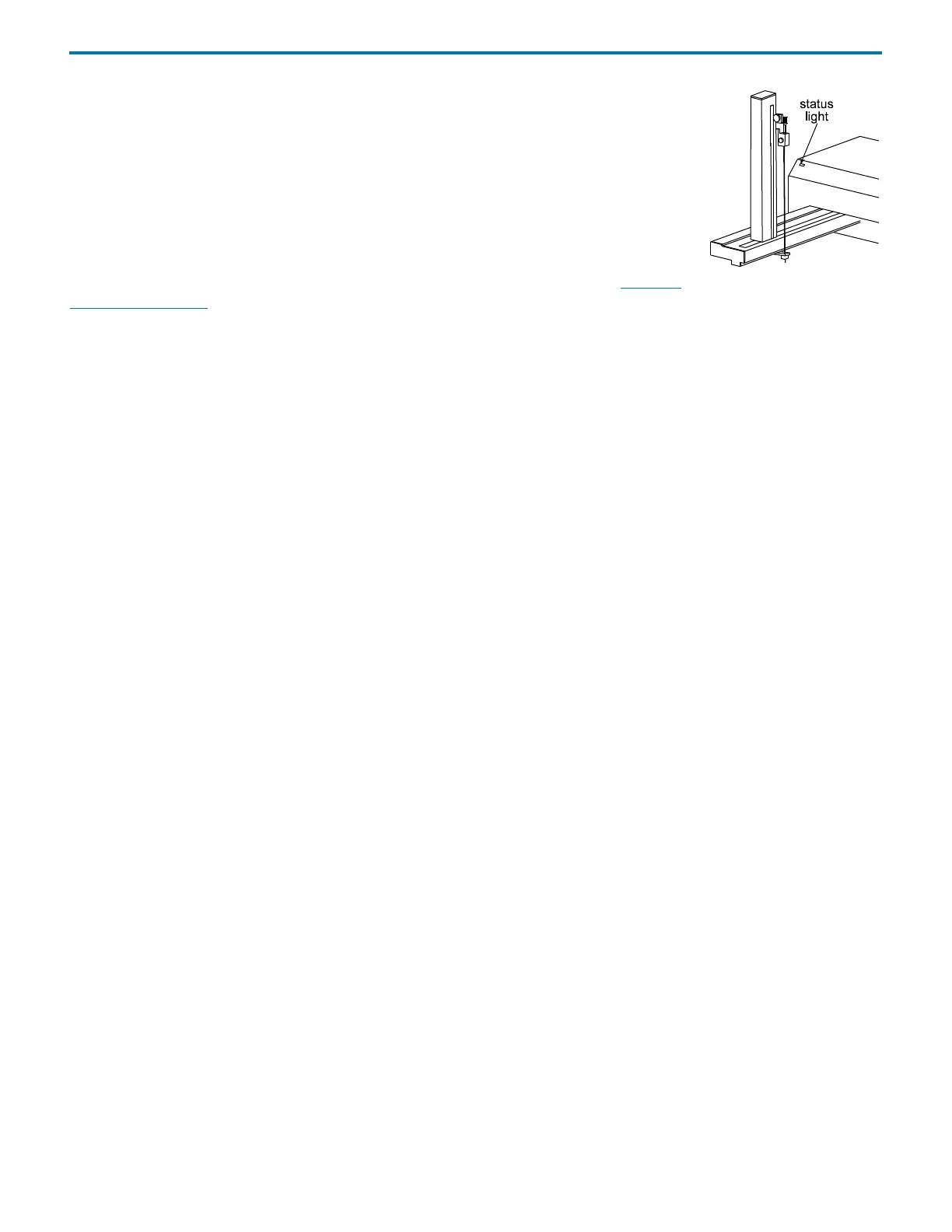
3 Power the sample changer ON using the power switch located on the rear panel. The indicator
light on the front panel illuminates.
If the indicator light begins blinking, there is a problem with the sample changer. See Indicator
Light Not Illuminated on page 5-3.















 To Next Page