223 Sample Changer User’s Guide 3-5
Operation
3
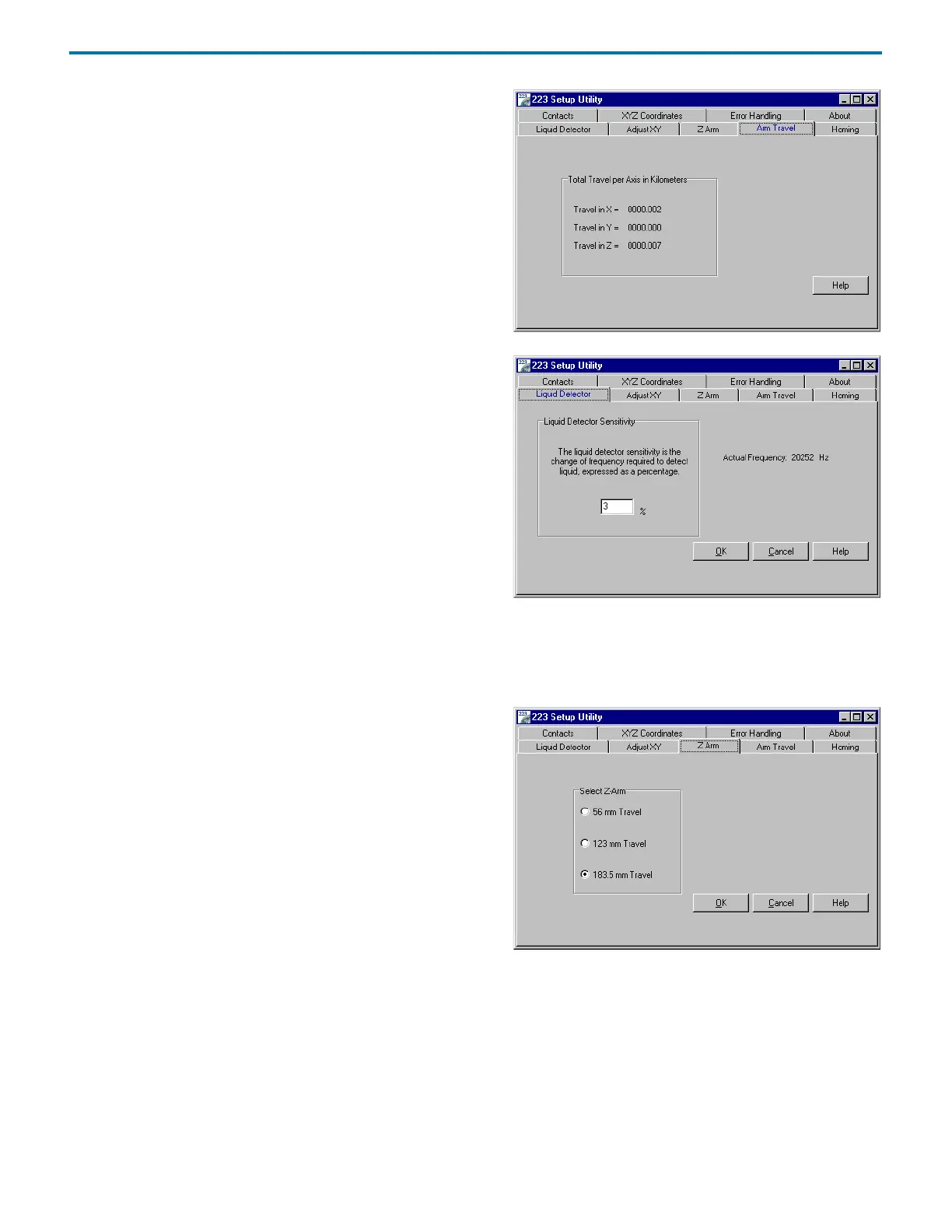
223 Setup Utility
Arm Travel
The Arm Travel tab displays the XYZ travel in kilometers.
Liquid Detector
The Liquid Detector tab allows you to adjust the sensitivity of
liquid detection. The factory default setting is 3%.
Raising the percentage suppresses false liquid detection while
lowering the percentage increases sensitivity for situations where
liquid is harder to detect. By lowering the probe so it touches the
liquid for one of your samples, you can manually test the current
sensitivity of the liquid detection. In this manner, you can observe
the amount of change you might expect with each sample.
To store the sensitivity setting to the sample changer’s memory,
click OK.
To display the sensitivity setting currently set in the
sample changer’s memory, click Cancel.
Z-Arm
Use the Z-Arm tab to identify the size of the installed Z-arm. Setting
the size of the Z-arm controls the amount of travel in the Z-axis.
To store the selected Z-height settings to the sample changer’s
memory, click OK.
To display the Z-height settings currently set in the sample changer’s
memory, click Cancel.



 To Next Page