223 Sample Changer User’s Guide 3-3
Operation
3
223 Setup Utility
223 Setup Utility
The sample changer is controlled by programs executed from a computer.
The computer is connected to the sample changer via an RS-232 cable. Refer to RS-232 Port
on page 2-12 for correct installation
of the RS-232 cable between the sample changer and the computer.
The following utility program is supplied on the 223 Sample Changer Utility Programs CD supplied with your sample changer.
223 Setup Utility - Specifies configuration parameters for the sample changer.
The sample changer comes with its configuration set by Gilson. Configuration information is stored in the non-volatile memory
(NV-RAM) of the sample changer. Prior to using the sample changer for the first time, it is important to review and adjust the
default configuration to ensure that it is correct for your application.
The 223 Setup Utility allows you to review and, if necessary, change the configuration options set for the sample changer.
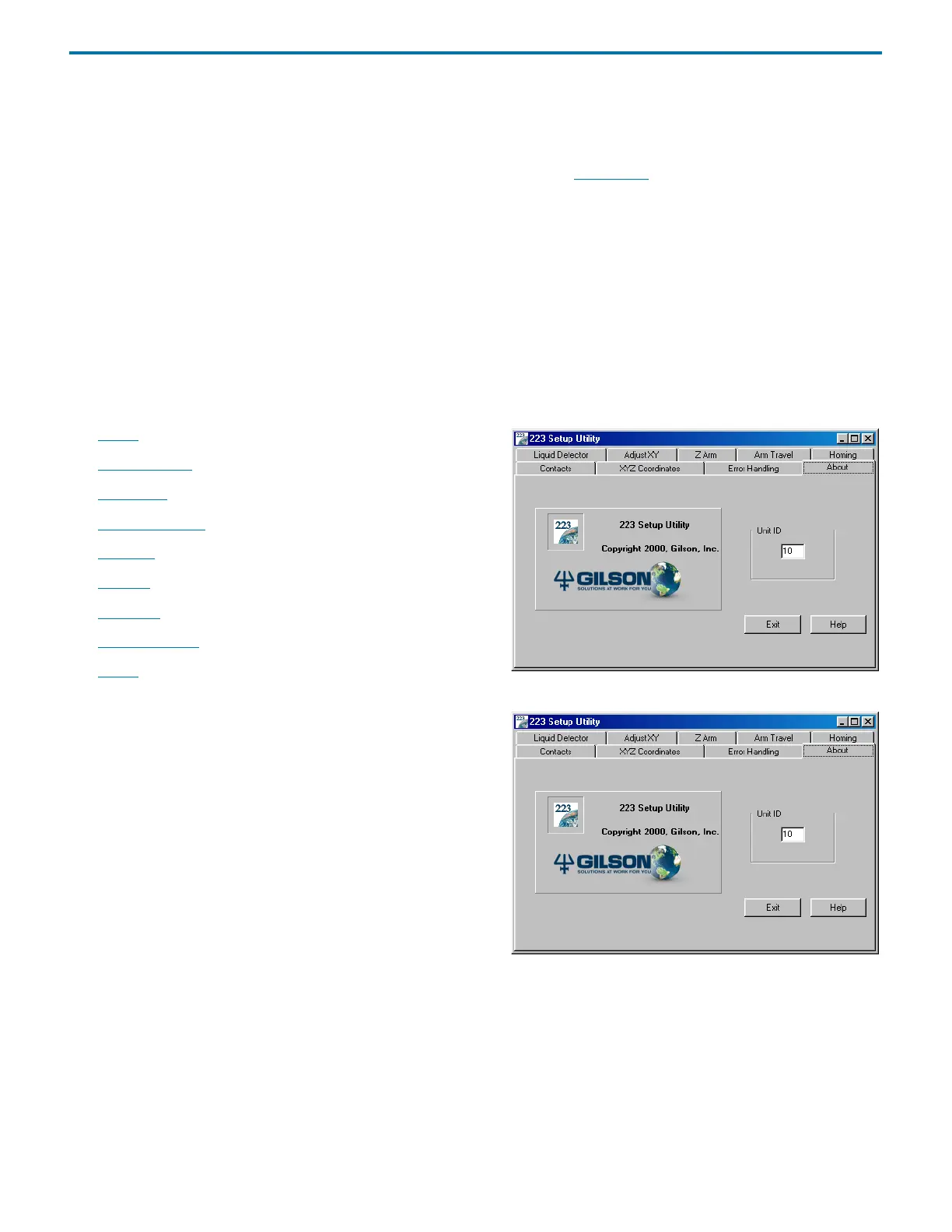
When you execute the 223 Setup Utility from the computer, the following screen with menu tabs appears:
• About
• Error Handling
• Arm Travel
• XYZ Coordinates
• Contacts
• Homing
• Adjust XY
• Liquid Detector
• Z-Arm
About
The About tab allows you to indicate the unit ID of the instrument
being configured so the 223 Setup Utility can communicate with
that instrument.
This tab also lists software version and copyright information for the
223 Setup Utility.















 To Next Page