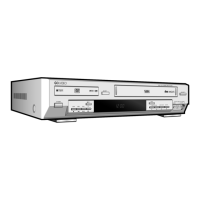
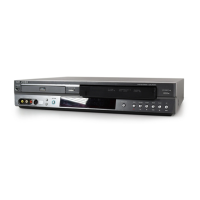
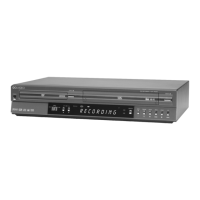
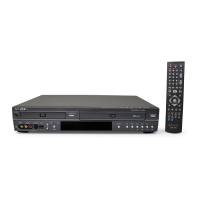
1 2 3 4 5
6 7 8
1 DVD deck is active.
2 DVD or CD is loaded.
3 Time, counter position or current deck status.
4 VHS videotape is loaded.
5 VCR deck is active.
6 A DVD with a DTS soundtrack is loaded.
7 The Hi-Fi track of a VHS videotape is playing
(or the current TV program or video is broadcast
in Stereo.)
8 Timer Recording is in progress (blinks when the
VCR is paused during recording).
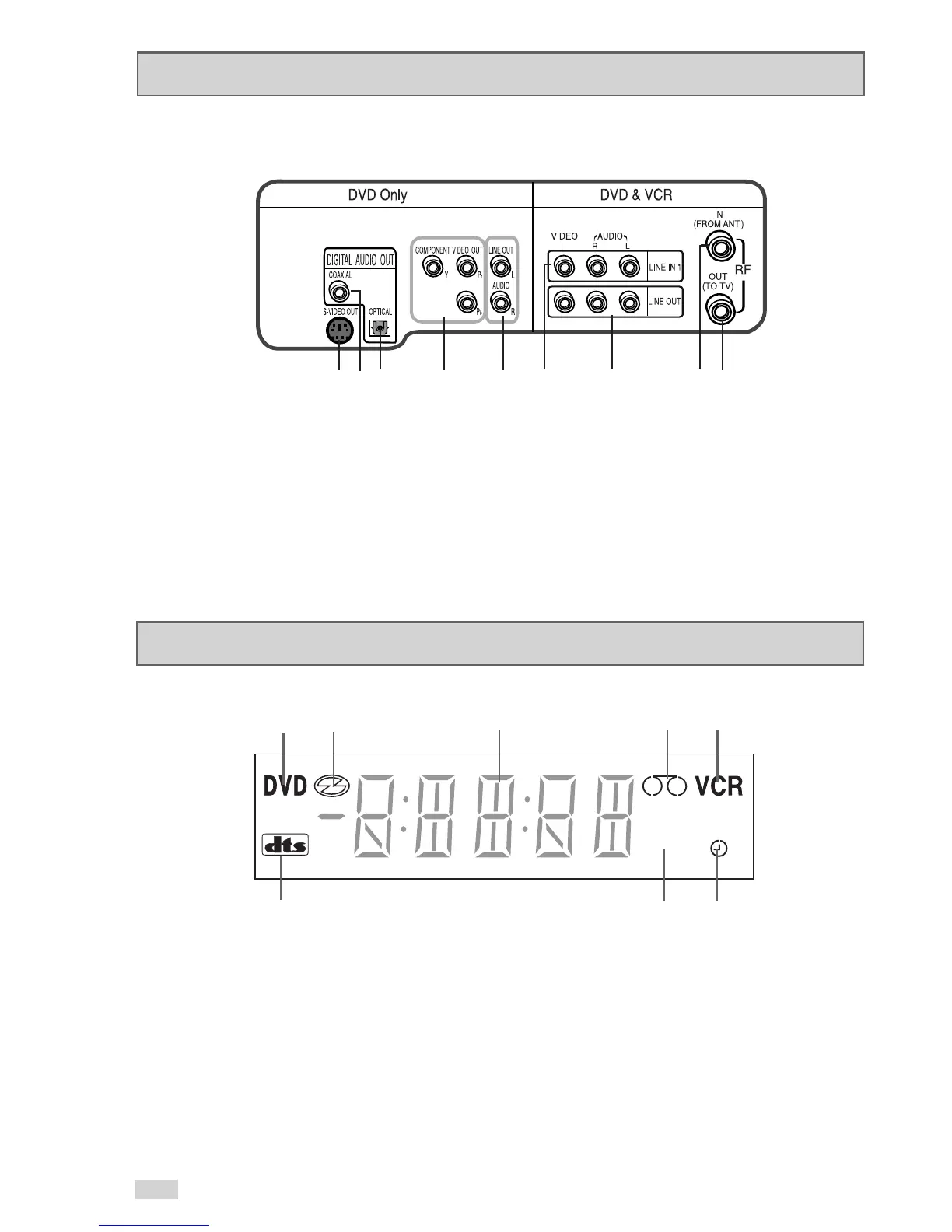
Rear Panel
1 2 3 4 5 6 7 8 9
1 S-VIDEO OUT
2 DIGITAL AUDIO OUT(COAXIAL)
3 DIGITAL AUDIO OUT(OPTICAL)
4 COMPONENT VIDEO OUT
5 AUDIO LINE OUT TO TV
(FOR USE WITH S-VIDEO OR COMPONENT)
6 LINE IN 1 (COMPOSITE)
7 LINE OUT TO TV (COMPOSITE)
8 RF ANTENNA INPUT
9 RF OUT TO TV


 To Next Page