20
RF Output Channel
1 Open “Initial Setup” menu
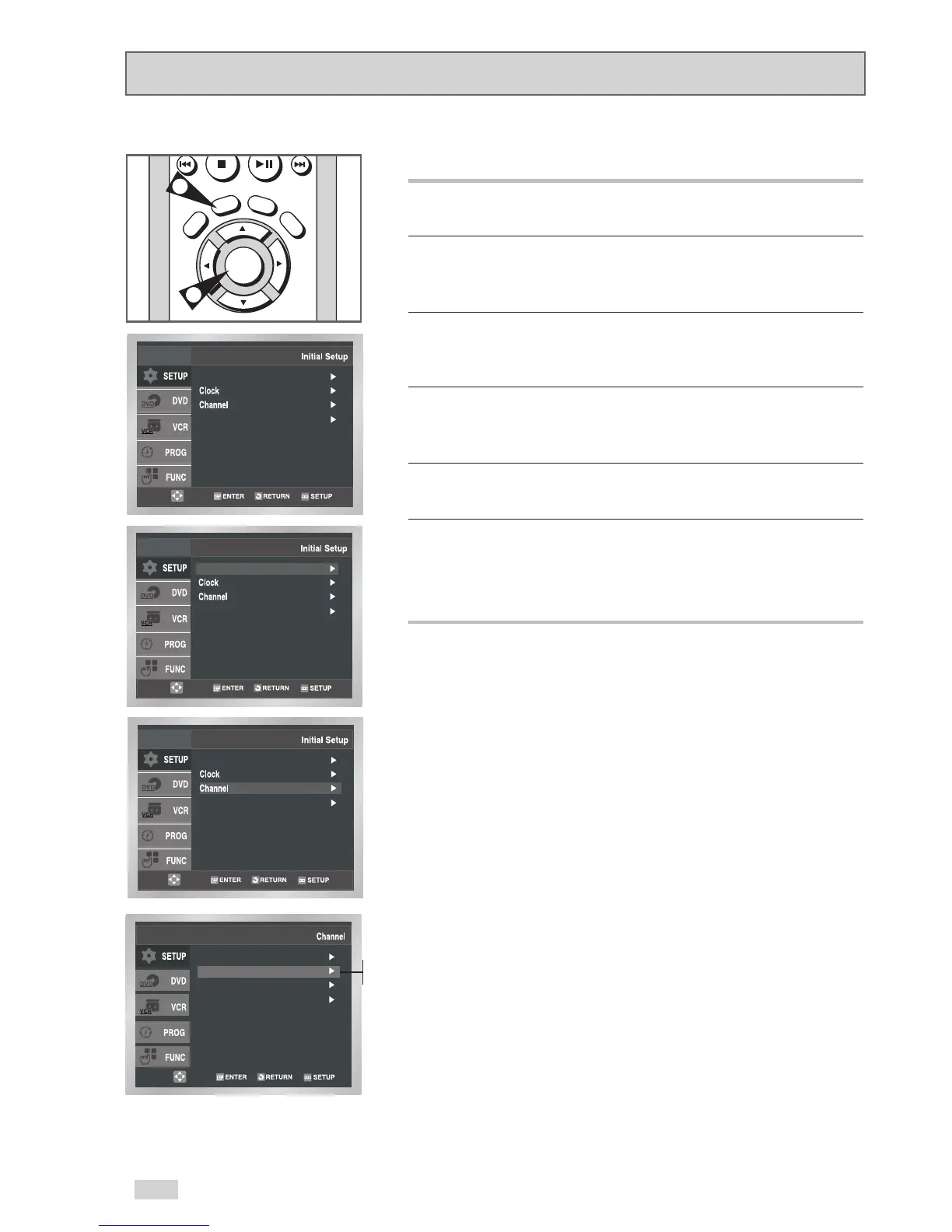
With the DVD in Stop or Play mode, press the SETUP button.
2 Select “SETUP”
Use the
/
buttons to highlight “SETUP”, then press
ENTER to select.
3 Select “Channel”
Use the
/
buttons to highlight “Channel”, then press ENTER to
select.
4 Select “RF Output CH”
Use the
/
buttons to highlight “RF Output CH”, then press
to change.
5 Change “RF Output CH”
A message will appear on your TV. Press ENTER to change.
6 Change “TV Channel”
A message will appear on your TV. When the message disappears,
change your TV to channel 3 or 4 to match the RF output channel
of the player.


 To Next Page