22
Channel Add/Delete
Use this feature if Auto Channel Search missed a channel that you
would like to add, or added a channel you wish to remove.
1Open “Initial Setup” menu
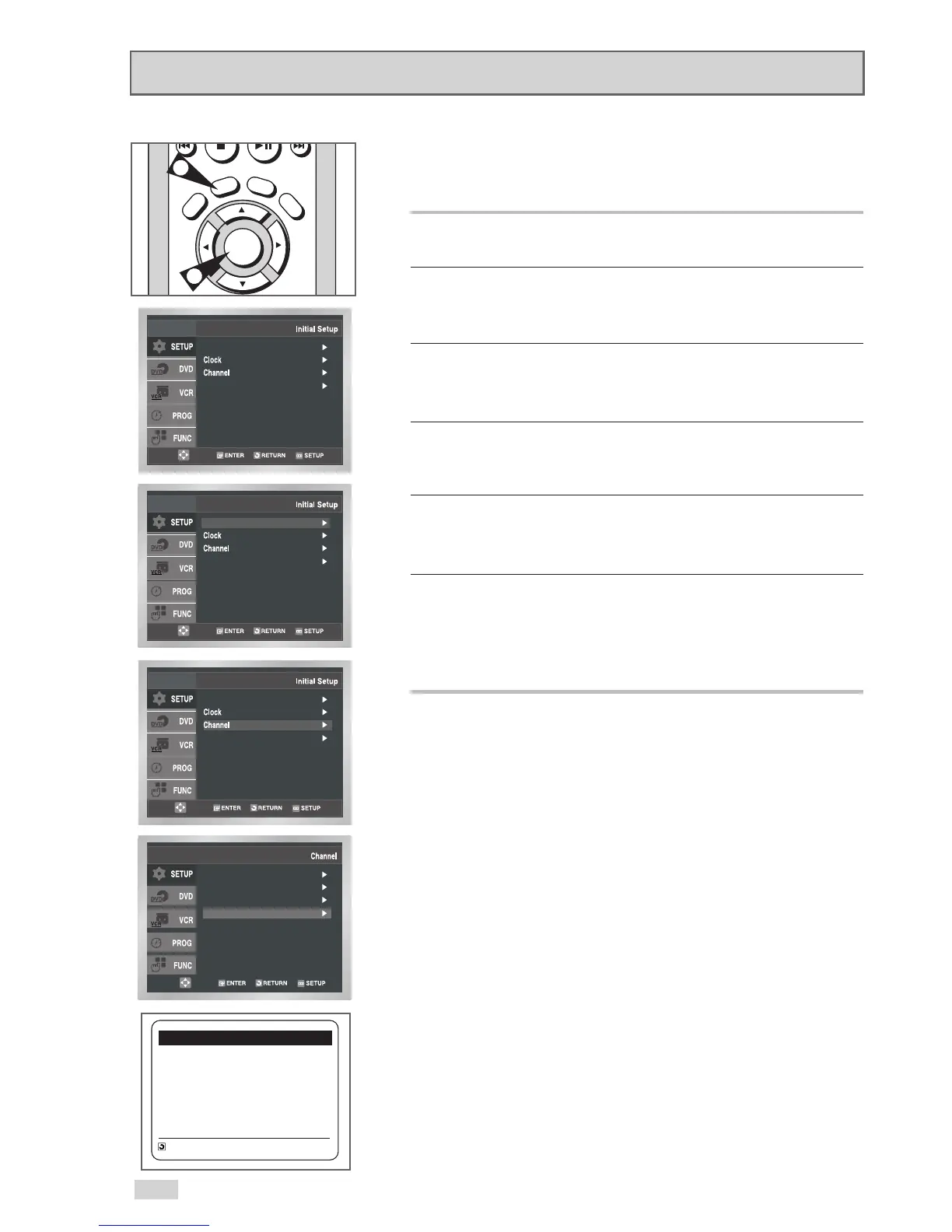
With the DVD in Stop or Play mode, press the SETUP button.
2 Select “SETUP”
Use the
/
buttons to highlight “SETUP”, then press
ENTER to select.
3 Select “Channel”
Use the
/
buttons to highlight “Channel”, then press ENTER to
select.
4 Select “Channel Add/Delete”
Use the
/
buttons to highlight “Channel Add/Delete”, then
press ENTER to select.
5Select Channel to add/delete
Use the CHANNEL
/
buttons to tune in the channel number
you wish to add or remove.
6 Select “Channel Add/Delete”
Press
to add or press LEFT to remove the channel from
your channel list.
• Repeat steps 4 and 5 to add or remove additional channels.


 To Next Page