47
Program Play (CD/MP3/WMA)
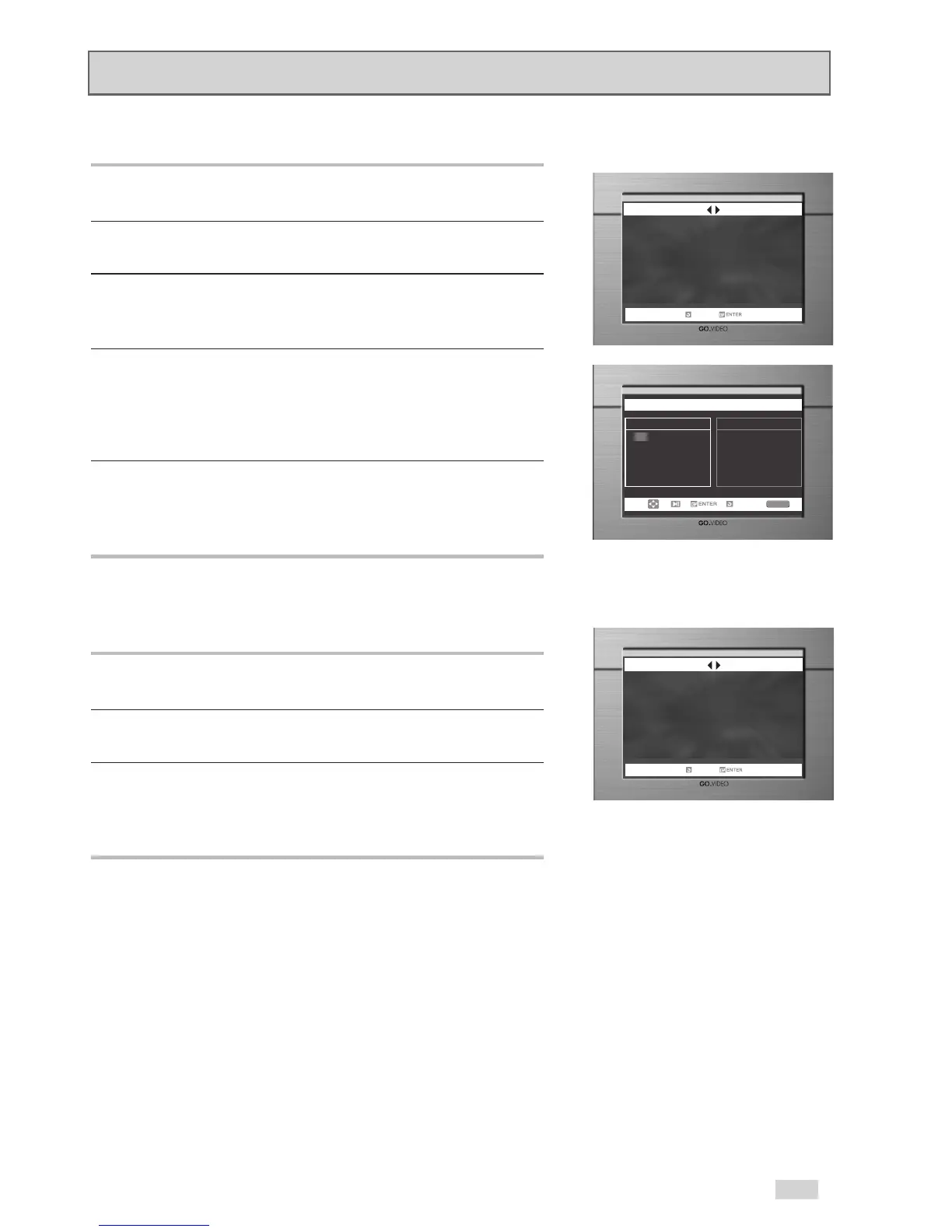
1. With the MP3 in Stop mode, press the MODE button.
2. Use the
¦
/
buttons to select PROGRAM.
Press the ENTER button.
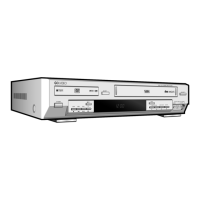
3. Use the
/
or
¦
/
buttons to select the first track
to add to the program.
Press the ENTER button. The selection numbers appear in the
Program Order box.
4. Press the PLAY/PAUSE
ll
button.
The disc will be played in the programmed order
.
Random Play (CD/MP3/WMA)
1. With the MP3 in Stop mode, press the MODE button.
2. Use the
¦
/
buttons to select RANDOM.
Press the ENTER button.
The disc will be played in random order.
➢
• Depending on the disc, the Program and Random Play
functions may not work.
• To resume normal play, press the CLEAR button.
• PROGRAM/RANDOM playback cannot be used if the disc
contains more than two types of file extensions.
• This unit can support playback of a maximum of 99
programmed files.


 To Next Page