42
A-B Repeat
The A-B Repeat feature enables you to repeat a segment of a DVD
or CD. Simply mark the starting point (A) and ending point (B) of
the segment you want to watch.
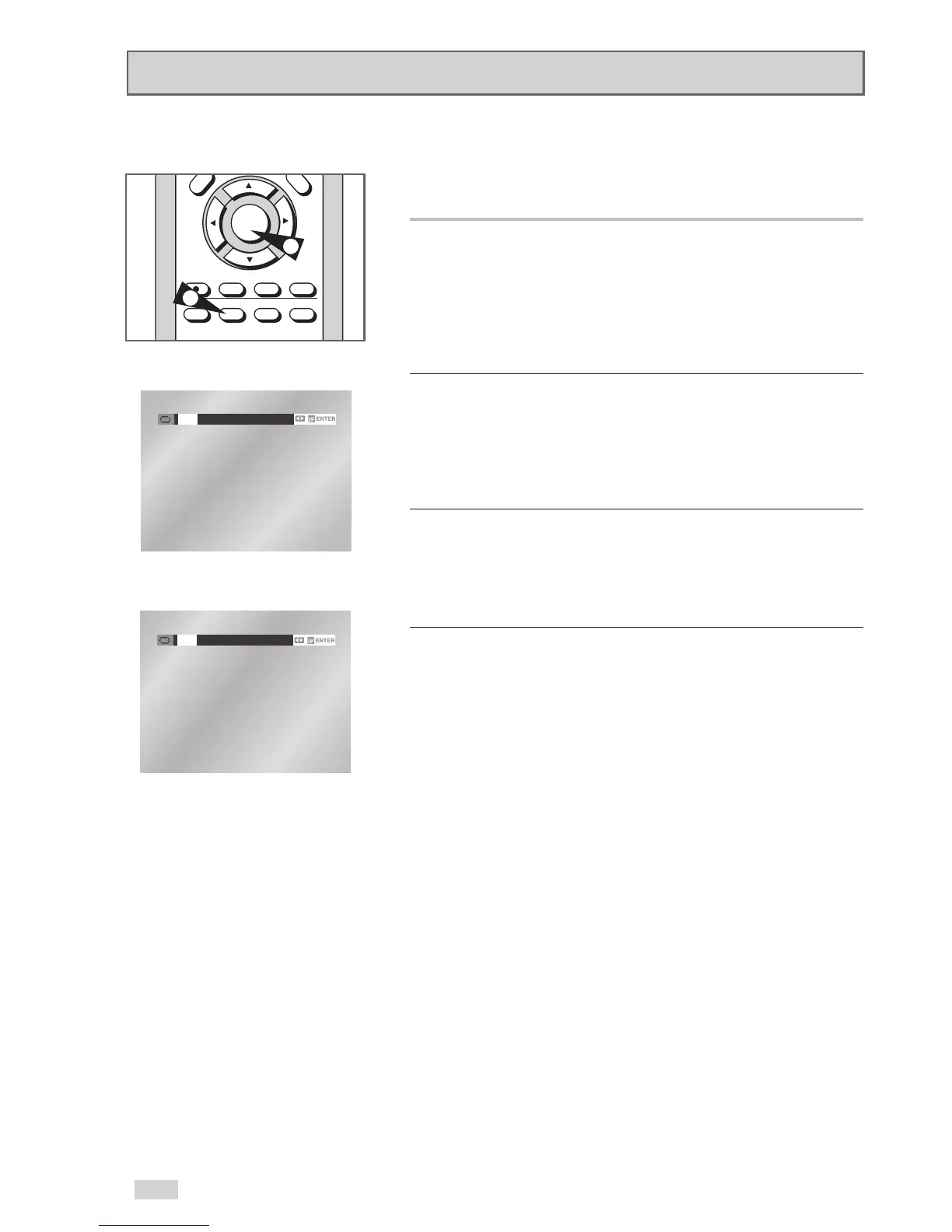
1Select A-B Repeat Function
Press the REPEAT button while in Play mode, then use the
¦
/
buttons to select A-B Repeat.
• When you select A-B Repeat, “A-” will be highlighted.
NOTE: The menu will display “Track” in place of “Chapter” if you
are playing a CD.
2 Mark the Starting Point
Press the ENTER button at the beginning of the segment you want
to repeat (Point A).
• Once you select Point “A”, “B” will be highlighted.
NOTE: The minimum A-B Repeat time is 5 seconds.
3 Mark the Ending Point
Press the ENTER button again at the end of the segment you want
to repeat (Point B).
• The segment will begin repeating in a continuous loop.
4 Cancel A-B Repeat
Press the REPEAT button to open the Repeat Menu, use the
¦
/
buttons to highlight “Off,” then press the ENTER
button.


 To Next Page