50
3D Sound
The 3D Sound function is a sound enhancement mode that lets you
enjoy virtual surround sound with only two speakers.
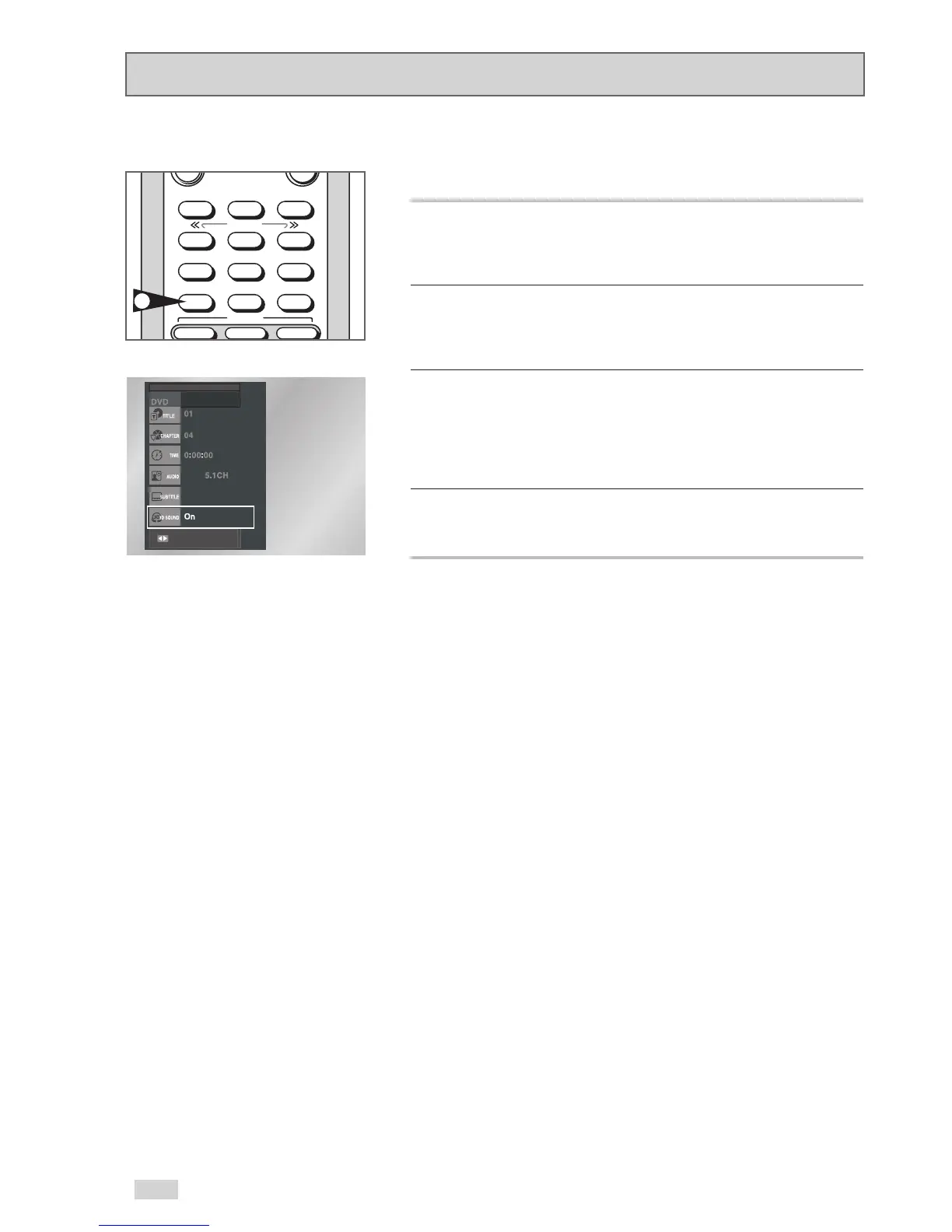
1 Press the “3D SOUND” button
During playback, press the “3D SOUND” button on the remote
control.
2 Set 3D Sound
You can also press the DISPLAY button, and then use the
/
buttons to select “3D Sound”.
3 Use the
¦
/
buttons to confirm your selection.
-ON : A simulated surround sound effect is generated using only
the two front speakers.
-Off : 3D sound is disabled.
4 To make the screen disappear, press the “DISPLAY” button again.


 To Next Page