57
Record Speed
You can slow down the recording speed from SP to SLP in order to fit
six hours of programming on a T-120 tape.
1 Start Recording
Follow the Basic Recording instructions on page 55.
2 Set Record Speed
Press the SP/SLP button on the remote control to set the Record
Speed to one of the following options:
• SP – Standard Play, for best quality.
• SLP – Super Long Play, for maximum recording time (3 times SP).
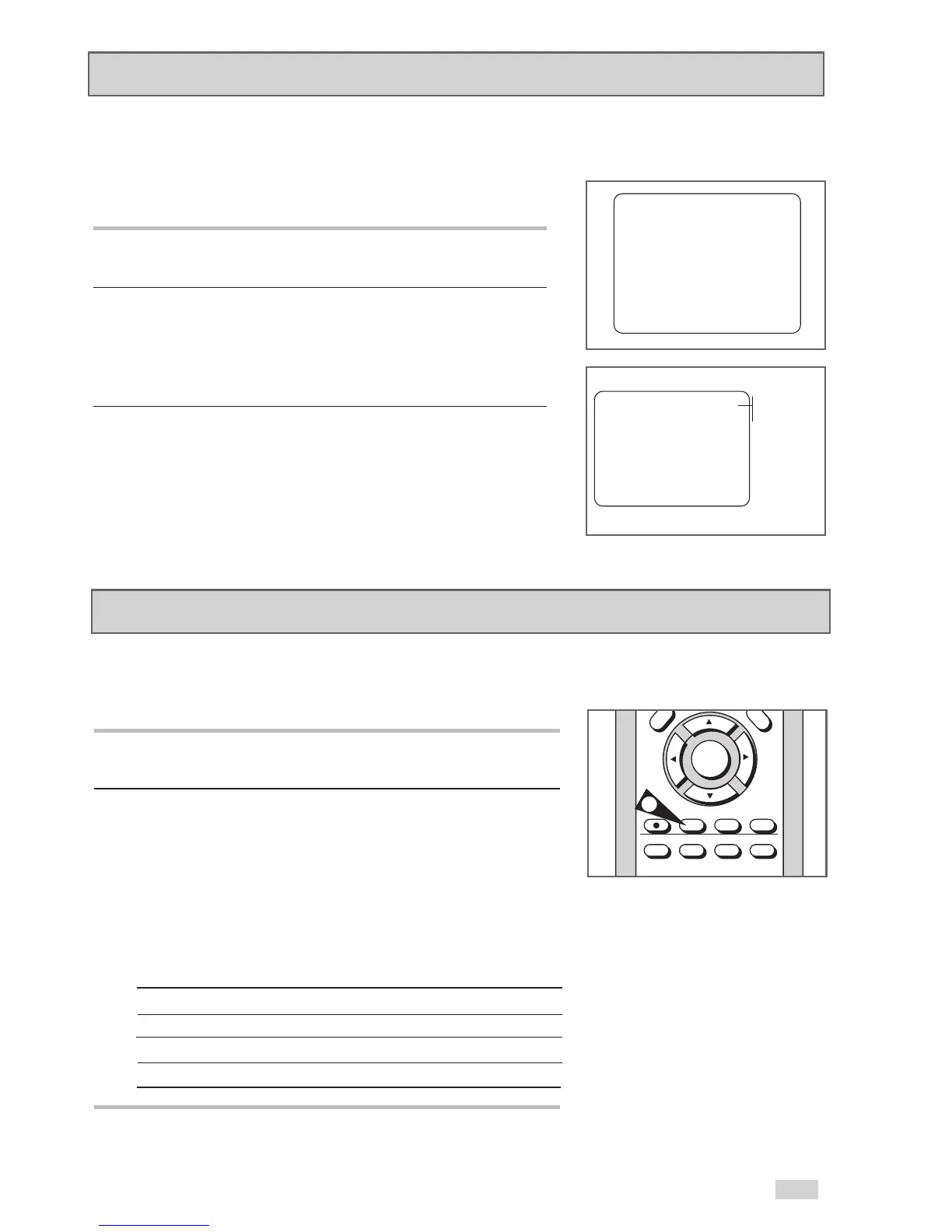
NOTE: The selected Record Speed will appear on the front panel
display and on-screen display.
Maximum Recording Time - SP vs. SLP
Tape Length SP (Standard Play) SLP (Super Long Play)
T-120 2 hrs 6 hrs
T-160 2hrs 40 mins 8 hrs
T-180 3 hrs 9 hrs
2
One-Touch Recording (OTR) allows you to add recording time in
30-minute increments up to 9 hours and 30 minutes at the touch of
a button.
1Start Recording
Follow the instructions on page 55 to begin recording.
2 Activate OTR
While in Record mode, press the REC button again to activate
One-Touch Recording (OTR).
• Record length 0:30 appears on the On-Screen Display and the
DVD+VCR will record for exactly 30 minutes.
3Add Recording Time
Continue pressing REC to add recording time in 30 minute
increments up to 4 hours.
• The DVD+VCR stops recording automatically when the recording
time has elapsed. If you press POWER during OTR recording,
the DVD+VCR will power off automatically when the recording
time has elapsed.
One-Touch Recording (OTR)
0:30 - 1:00 - ...
- 9:00 - 9:30
RECORD
0:00:00
SP
OTR 0:30
0:00:00
SP


 To Next Page