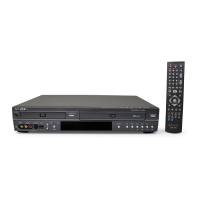
Function (VCR)
Use the Function menu as a shortcut to a variety of VCR functions.
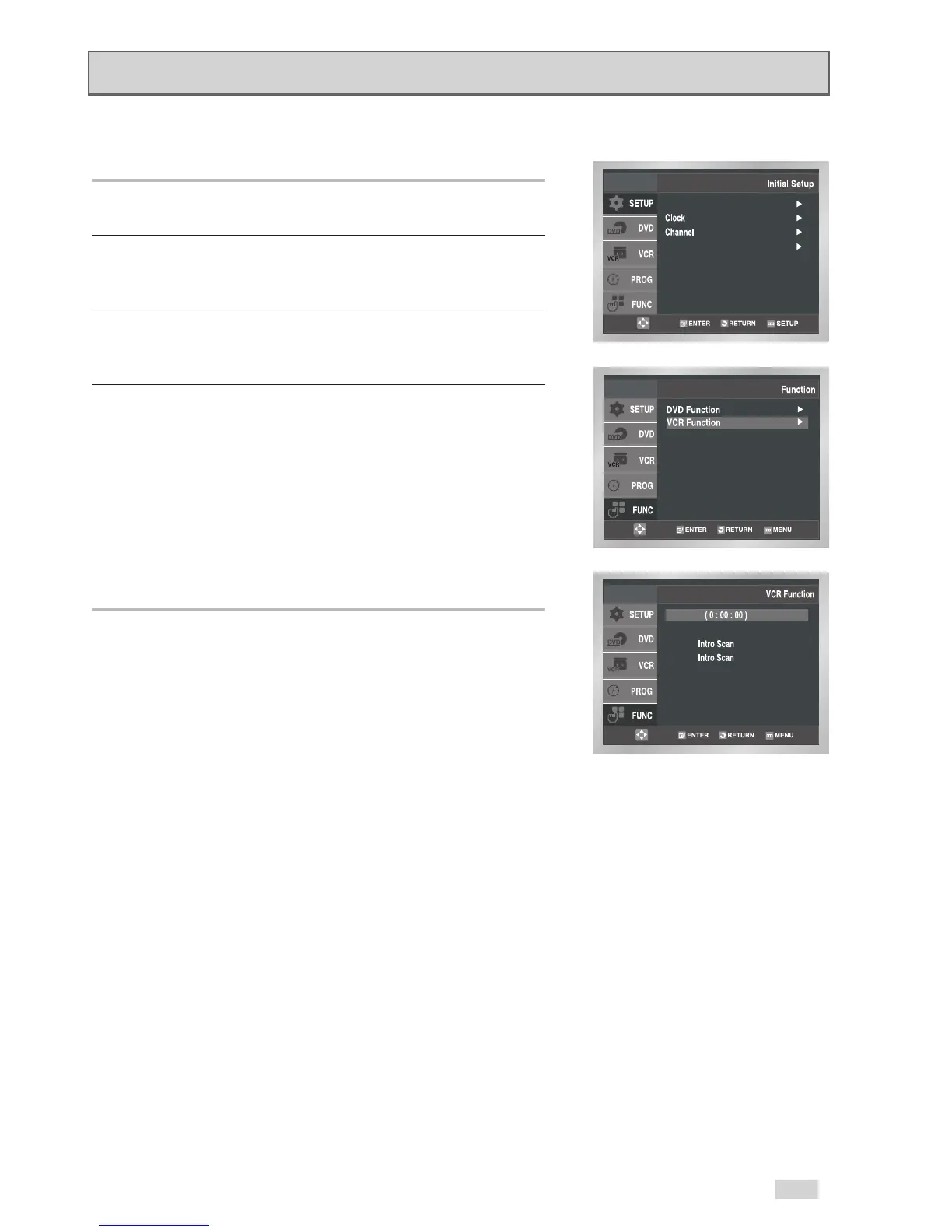
1Open “Initial Setup” menu
With the DVD in Stop or Play mode, press the SETUP button.
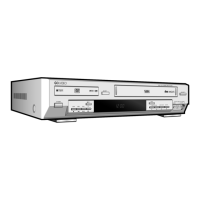
2 Select “FUNCTION”
Use the
/
buttons to highlight “FUNC” then press ENTER to
select.
3 Select “VCR Function”
Use the
/
buttons to highlight “VCR Function” then press
ENTER to select.
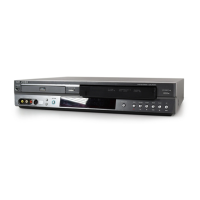
4Select “Return to ( 0: 00: 00)”
Highlight “Return to ( 0: 00: 0 0 )”, then press the ENTER button.
- Blank Search
Highlight “Blank Search”, then press the ENTER button.
- Forward Intro Scan
Highlight “Forward Intro Scan”, then press the ENTER button.
- Reverse Intro Scan
Highlight “Reverse Intro Scan”, then press the ENTER button.


 To Next Page