40
Angle View
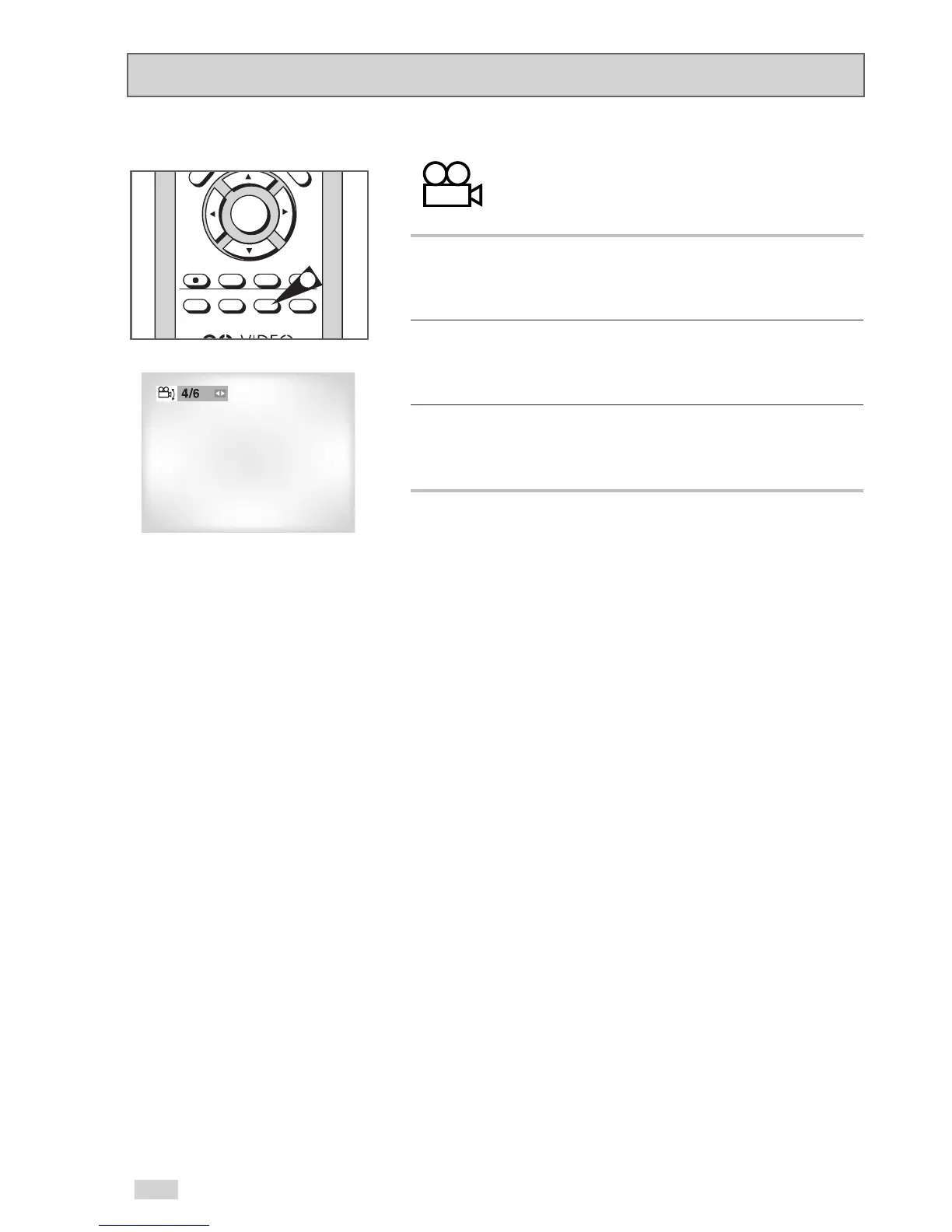
Some DVD movies offer multiple camera angles
during playback. To activate this feature press the
ANGLE Button.
1 Check for the Angle Icon
The Angle Icon (shown above) will appear on screen when a
DVD contains multiple angles.
2View Angle Menu Options
When the Angle Icon appears, press the ANGLE button to display
the Angle menu.
3 Select an Angle option
Press the
¦
/
buttons to select the camera angle you wish to
see.


 To Next Page