7
GDR11 Digital TV receiver
Number
on
diagram
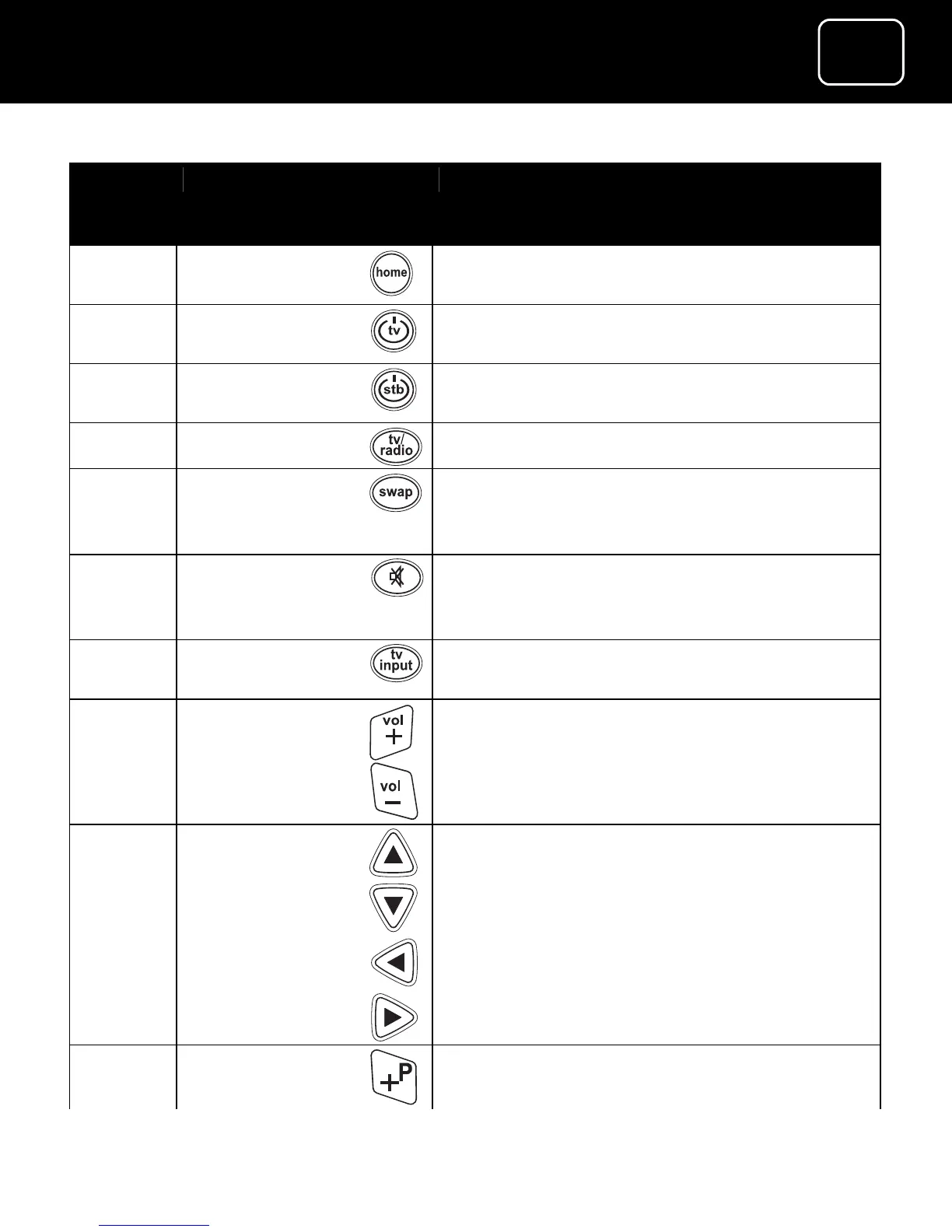
Button name What the button does
1
<home>
Goes to the first channel in your list
(usually BBC 1)
2
Switches your TV on or off (if you have
set up this feature)
3
Switches the receiver on and off (onto
standby)
4
Switches between TV and radio
5
Switches between the channel you’re
watching and the channel you were
previously watching
6
Mutes the receiver volume (it can also
mute your TV if you have set up this
feature)
7
Selects the channel the receiver is set up
on (if you have set up this feature)
8
Increases or reduces the receiver volume.
These buttons can also increase or
reduce your TV volume (if you have set
up this feature)
9
Moves around the on-screen menus
10
Goes up and down the channel list



 To Next Page