ital TV Receiver
8
GDR11 Digital TV receiver
Number
on
diagram
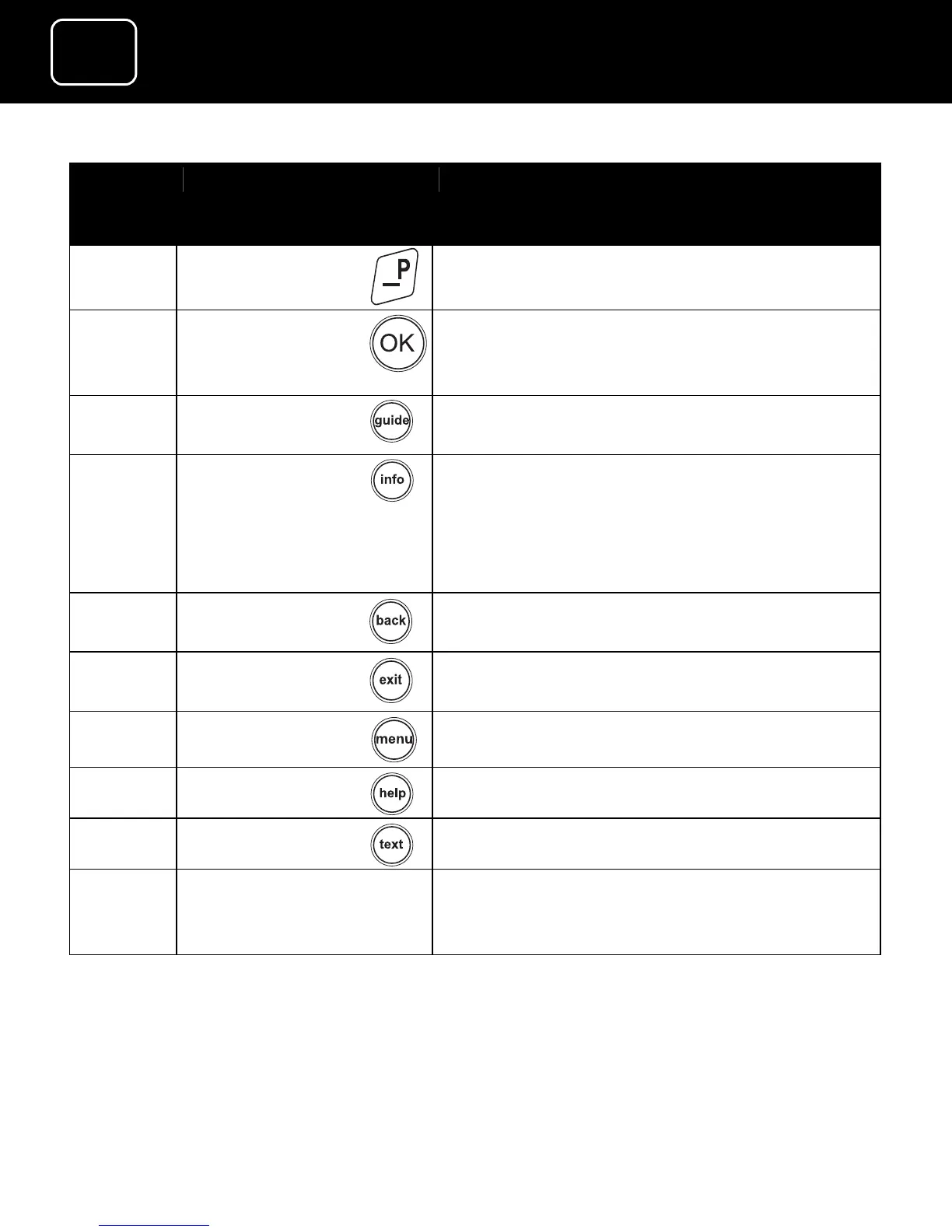
Button name What the button does
11
Selects options on the on-screen menu
(This button also shows the channel list
if you press it while watching TV.)
12
Enters and exits the TV electronic
programme guide (EPG)
13
Gives programme information on the TV
screen
This button also shows your favourite
channels list when you are on the
channel list screen.
14
Goes back to the previous screen you
were on
15
Exits the menu system and goes back to
the last programme you were watching
16
Enters and exits the menu screen
17
Enters and exits the help screen
18
Gives digital teletext
19 Red, yellow,
green and blue
buttons
Changes or goes to different options
when you are on the digital text pages



 To Next Page