85
MDE-LEDInetworkITS-server-4078V1.3
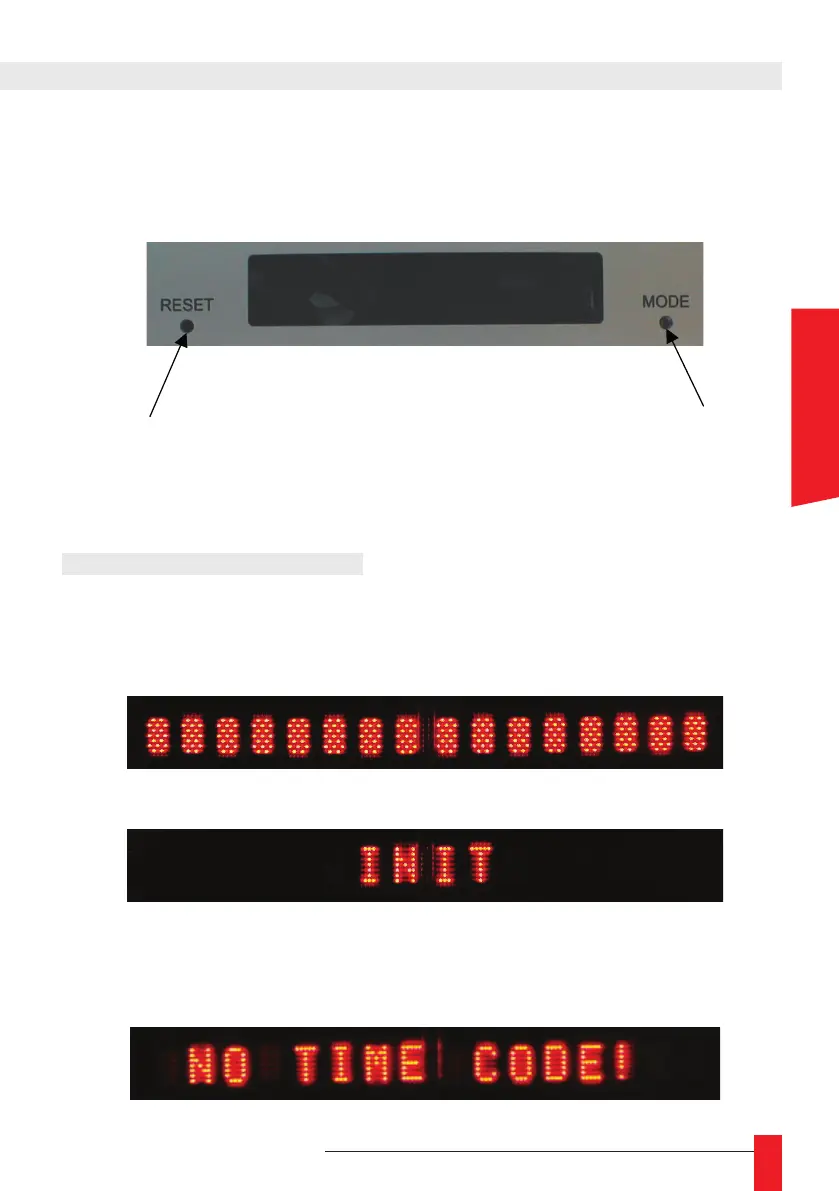
The front display interface can display up to 16 characters. Two buttons provides you with
display conguration and global reset. The LEDI Network ITS/DCLS/NTP Server uses the
front display to show current time and different alarm condition.
Reset the product
Switch between
Front Panel
Display Mode
3.1. START-UP CONDITIONS
► During start-up, the time and date of the LEDI Network ITS/DCLS/NTP Server are not
valid and are not displayed. Then, you can see the following texts:
► When the device start, all the dots of the displays are lightened.
► During hardware initialization, the following text is displayed:
► Then, the IP address of the product appears.
► If there is no time code at the input, the LEDI Network ITS/DCLS/NTP Server dis-
plays the following message:
3. FRONT DISPLAY INTERFACE
ENGLISH



 To Next Page