Knife sharpener MS 100
Design and function
16
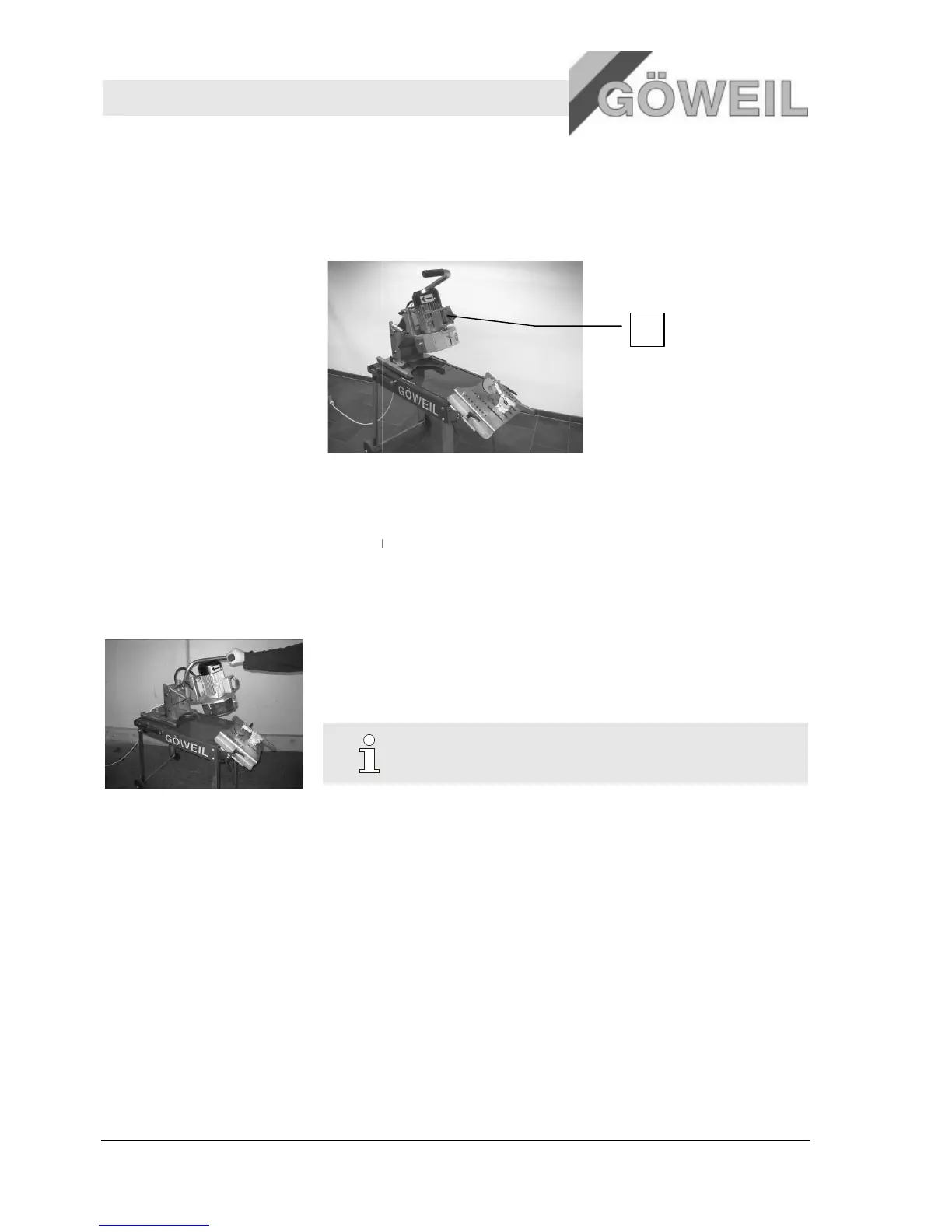
The machine is equipped with one emergency stop button. Pressing this button will switch off the machine
Emergency stop button on the motor
The machine is operated using the operating handle.
The operating handle can be used to perform the following functions:
Lowering and lifting the grinding unit
Rotary movements for grinding the
4.7 Operating modes
Manual operation (using the operating handle)
The machine is equipped with one emergency stop button. Pressing this button will switch off the machine
Emergency stop button on the motor
The machine is operated using the operating handle.
The operating handle can be used to perform the following functions:
Lowering and lifting the grinding unit
Rotary movements for grinding the knives
NOTICE!
For explanations on the operating handle, [→ se
Manual operation (using the operating handle)
The machine is equipped with one emergency stop button. Pressing this button will switch off the machine


 To Next Page