67
Encoder Test Instructions
To access the encoder test, choose Diagnostics from the Tools menu.
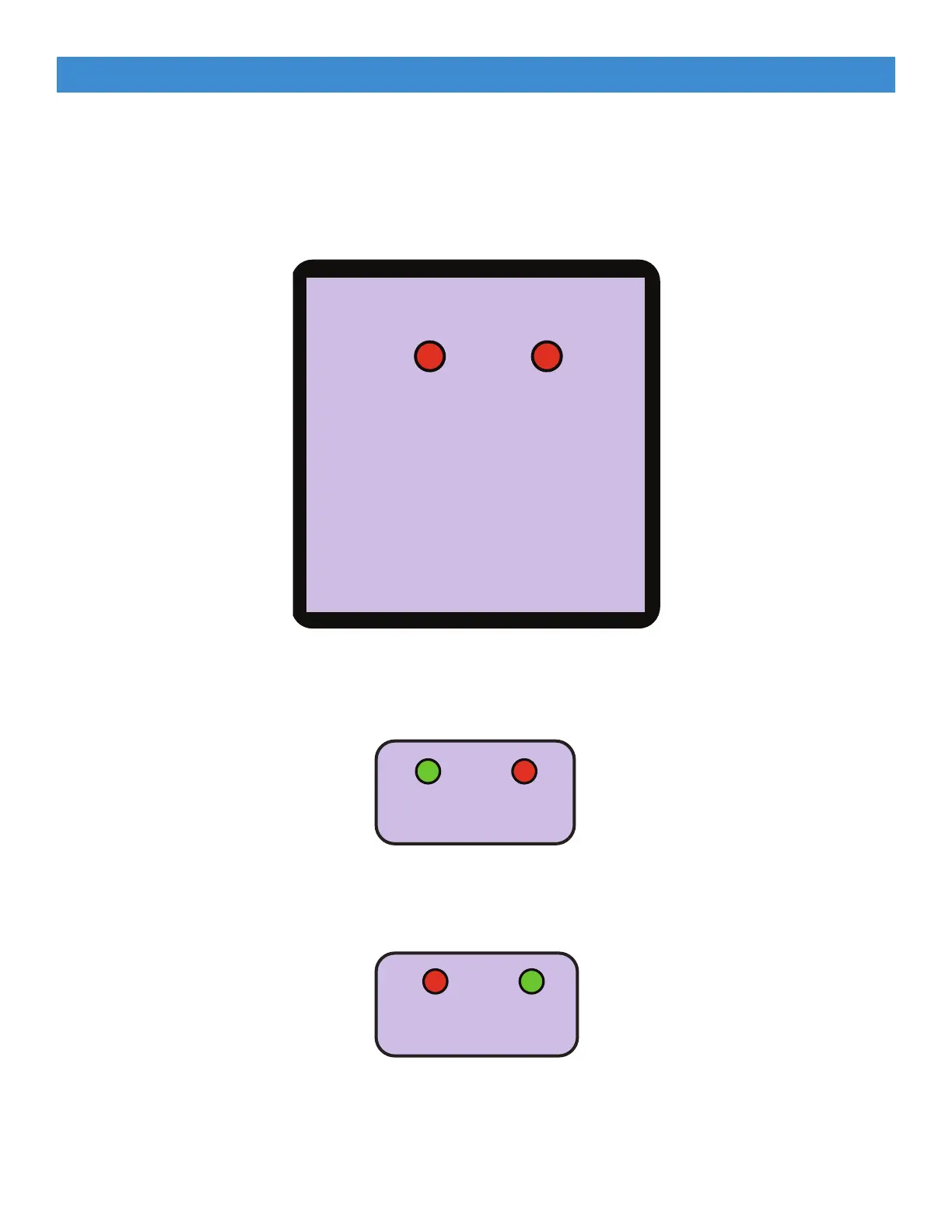
1. The Encoders test screen displays.
ENCODERS
X Y
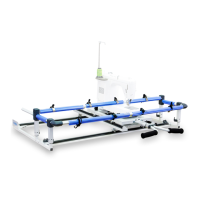
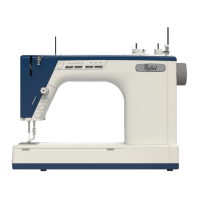
2. Move the machine left and right across the frame. The X indicator should turn green while the
machine is moving.
3. Move the machine from front to back across the frame. The Y indicator should turn green while
the machine is moving.
Running Diagnostics (Continued)
Repairs and Diagnostics



 To Next Page